Customizable Random Pick
Choose a purely random pick or optionally favor less-played records, then apply filters and exclusions before picking or undoing.
 Record Picker
Play the right record
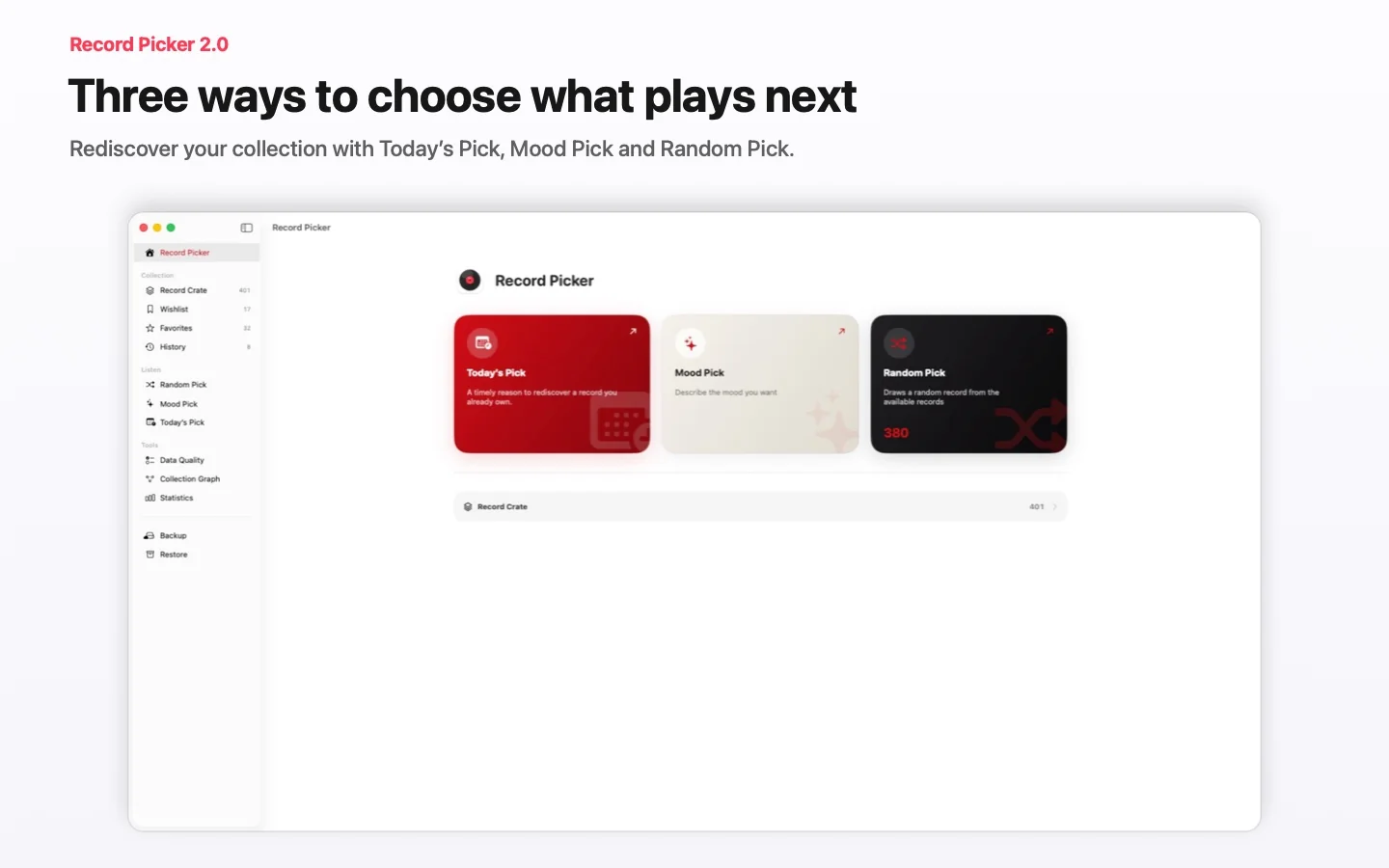
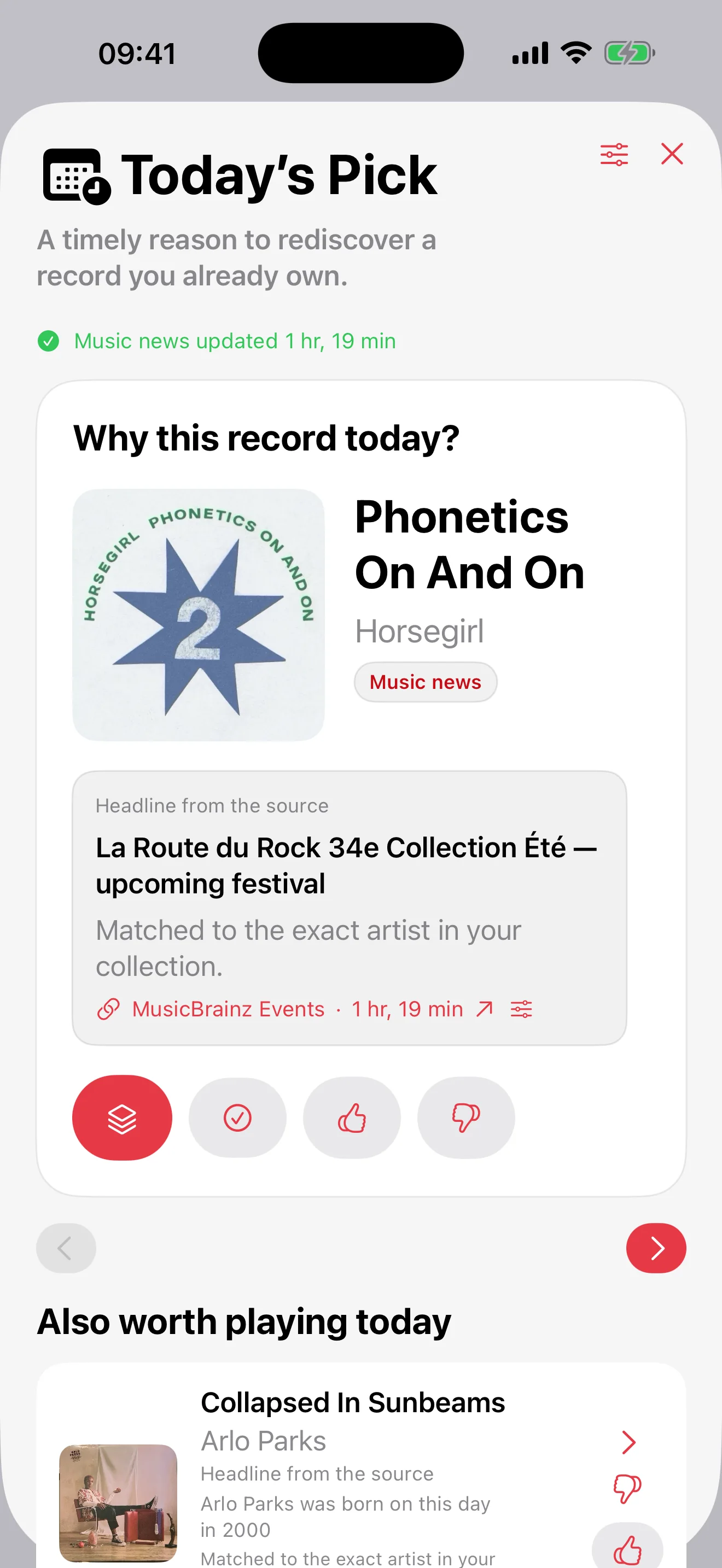
Catalog your vinyl and CDs, then choose the next record with customizable Random Pick, Mood Pick, or Today’s Pick. Your collection stays private, can sync through iCloud across iPhone, iPad, and Mac, and is also available on Apple Watch.
In development
🌍 Worldwide applications welcome · Beta available in English and French
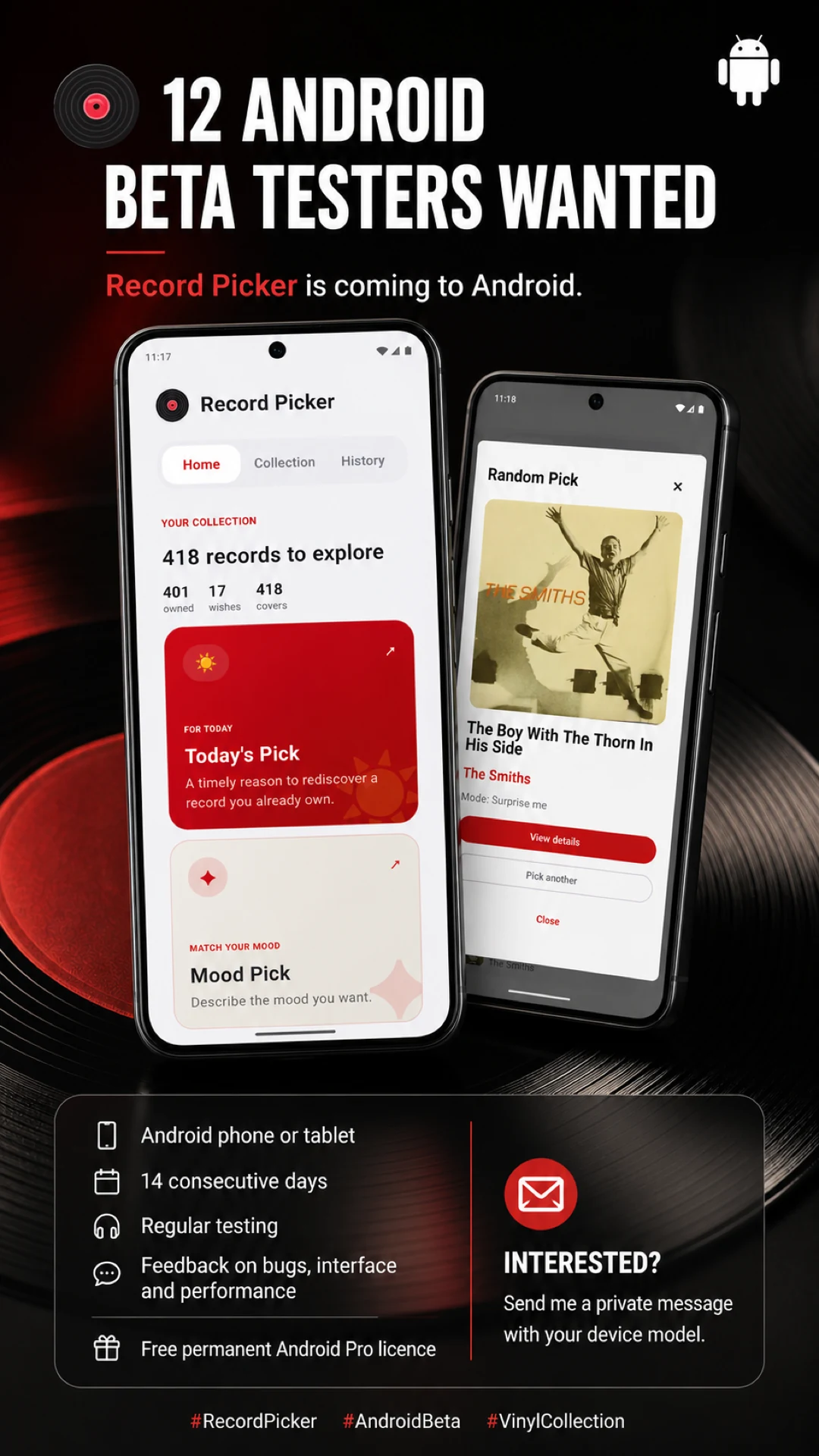
We are looking for 12 beta testers with a Google Account and a compatible Android phone or tablet. Join the closed test for 14 consecutive days, try the app regularly, and share feedback on bugs, the interface, and performance.
The 12 testers who complete the 14 days and send useful feedback will receive lifetime Pro access.
Apple · Windows · Available now
Record Picker 2.5 makes exploring, organizing and understanding your collection clearer and more reliable on Apple devices and Windows.
Record Picker
Record Picker catalogs vinyl, CDs, and favorite albums, then suggests the next record to play based on filters, favorites, exclusions, and the mood of the moment.
 Sees The Light (2012)La Sera
Choose a purely random pick or optionally favor less-played records, then apply filters and exclusions before picking or undoing.
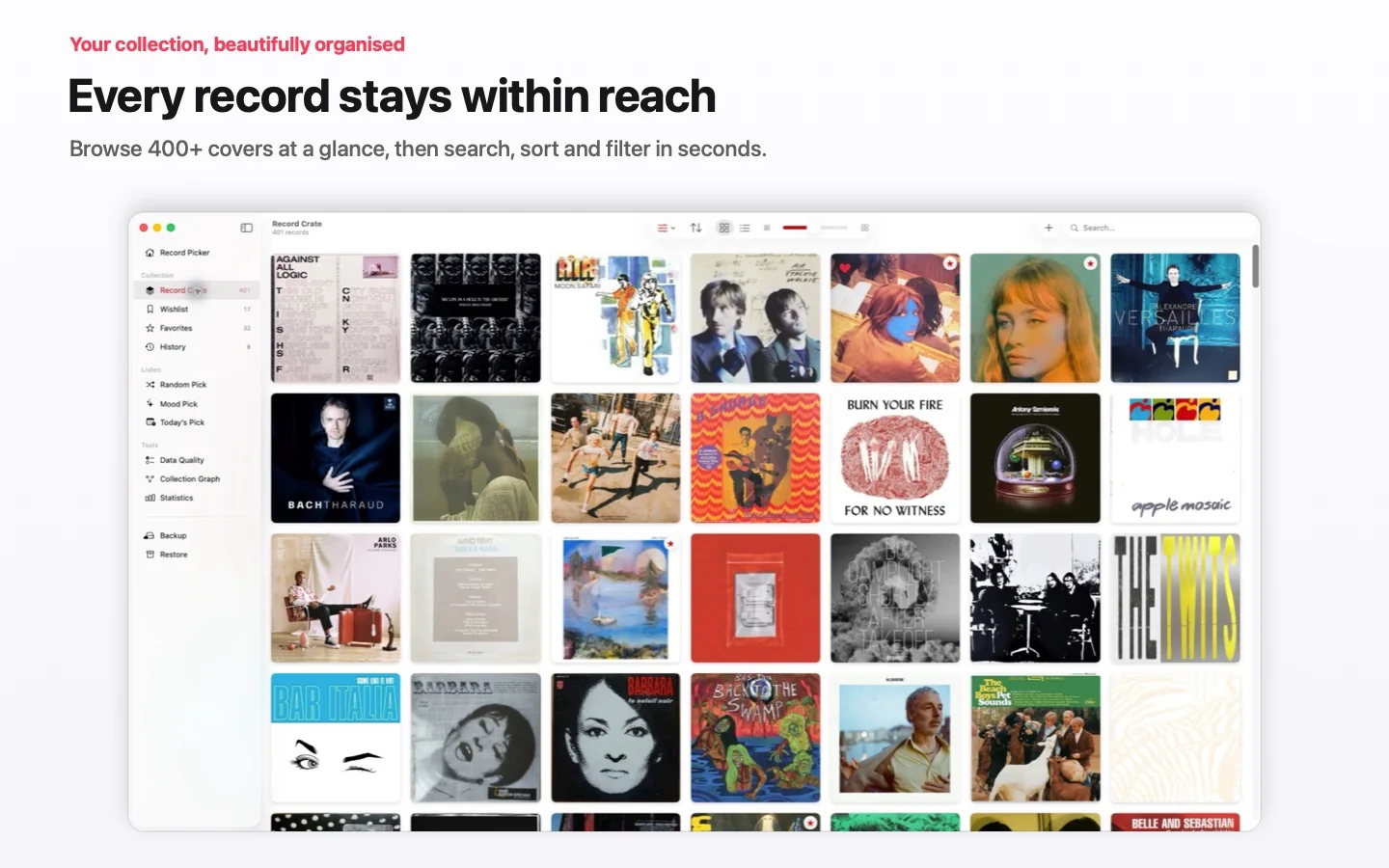
Barcode scan, MusicBrainz, Discogs fallback, custom covers, duplicates, exclusions, wishlist, and browsable history stay easy to manage.
Cover on the left, full metadata on the right, centered Pick button, and floating toolbar for frictionless choosing.
A red star replaces the Favorite chip in the crate: one tap on iPhone or iPad is enough to mark or unmark.
Record Picker has no user account, no advertising, no data selling, and no Record Picker server storing the collection.
Vinyl guides
Three focused guides answer common collector questions: what to play now, how to use a useful random picker, and how to keep a collection alive.
Vinyl guide
A practical guide to choosing what vinyl record to play next without staring at the shelf for too long.
Random picker
Why a random vinyl record picker works best when it respects filters, favorites, exclusions, and listening context.
Vinyl collection
A practical guide to cataloging, enriching, backing up, and rediscovering a vinyl collection with Record Picker.
For questions about the app, import, backups, or privacy, use the public support contact.