
Submitted to Apple — availability after approval
IPHONE + APPLE WATCH
Understand the sounds of your night.
An iPhone app to observe estimated snoring, try Apple Watch alerts and review a report in the morning.
How it works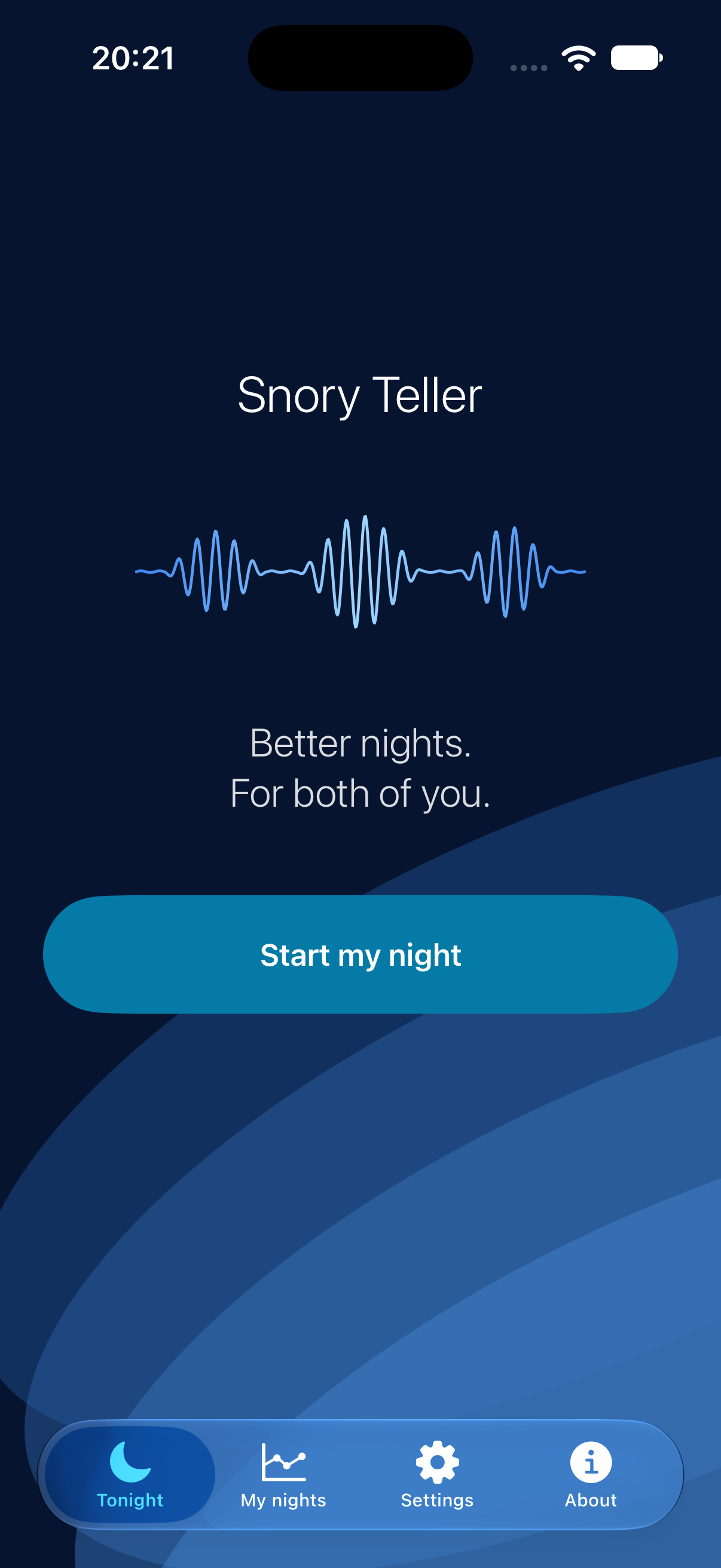
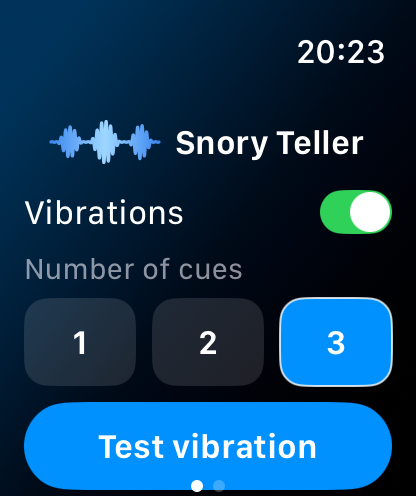
Set up for the night
Place your iPhone near the bed with its microphone unobstructed. Check alerts while wearing your watch.
Let your iPhone listen
Analysis stays on your device. No audio recordings are retained or uploaded.
Review your morning report
See estimated snoring, analysed listening time and intervention requests.
BEFORE YOU GO TO SLEEP
A place close to you.
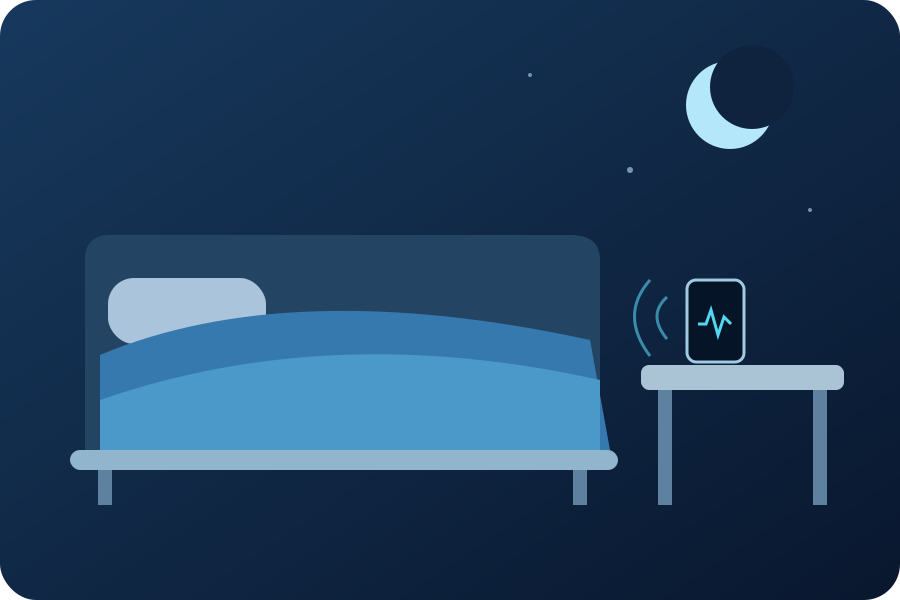
Start with your phone near the bed, plugged in, with its microphone unobstructed. Distance and background noise affect what it can pick up.
Placement illustration, not a performance measurement.
YOUR NIGHT STAYS PRIVATE
Listen. Analyse. Without keeping audio.
No app account to create. No audio recordings retained or uploaded. Your reports stay on your device.
NO ADVERTISING
7 days to explore.
7 days free for eligible new subscribers, then an annual subscription. France: €2.99 per year. Your local price is shown before purchase. Automatically renews. No advertising.
BEFORE YOUR FIRST NIGHT
Your questions
Do I need an Apple Watch?
A watch is required for wrist alerts. Observations and reports are available on your iPhone.
Can the iPhone vibrate too?
Yes. Silent night alarms may also vibrate your iPhone.
Which devices are supported?
iOS 16 or later. Silent night alarms require iOS 26 or later and the relevant permissions. Interface languages: English, French, German and Japanese.
What if two people share the bed?
The app cannot identify who is snoring. Phone placement and surrounding sounds may affect observations.
Why were there no alerts during an analysed night?
Analysed time measures how long the app could listen, not the proportion of snoring it recognised. An alert requires a confirmed episode; brief or scattered sounds may appear in the report without triggering an alert. Check phone placement and test the input gain setting in your bedroom conditions.
Can I make vibrations easier to notice?
On supported devices, night alerts use a system alarm. The app cannot directly adjust the strength of the watch’s haptic motor. In Apple Watch settings, check Sounds & Haptics → Haptics → Prominent, then test while awake with your iPhone locked and your watch on your wrist. Feeling a vibration during this test does not guarantee you will notice it while asleep.
How do I cancel?
Manage or cancel in your App Store account settings at least 24 hours before the trial or current period ends. Saved reports remain accessible after expiry.
Alerts depend on your devices and settings. An alert request does not confirm a felt vibration. Snory Teller does not guarantee reduced snoring or improved sleep and does not diagnose or treat sleep apnoea.