公平抽取
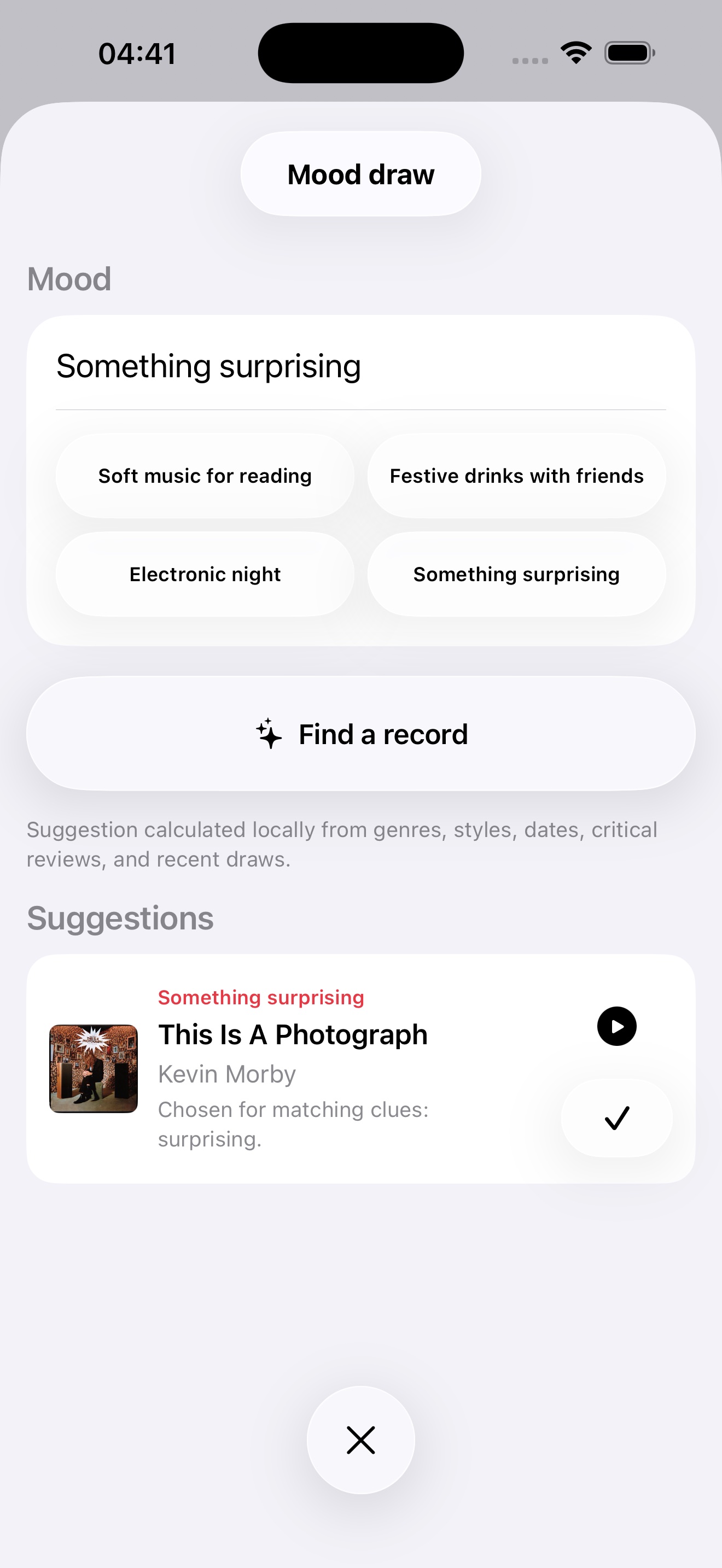
加权抽取优先考虑较少播放的唱片
 Record Picker
播放对的唱片。
播放正确的唱片。通过公平抽奖、Mood Pick、iCloud 以及专为真正收藏家打造的工具,在 iPhone、iPad、Apple Watch 和 Mac 上重新发现您的收藏。
1.9 即将推出
一个及时的理由,重新发现你已经拥有的唱片。
今日唱片
Record Picker 1.9 推出“今日精选”:以贴合当下且保护隐私的理由,重新发现你已经拥有的唱片。
现已推出
Record Picker 1.8 让“收藏健康”更具预防性和可操作性。
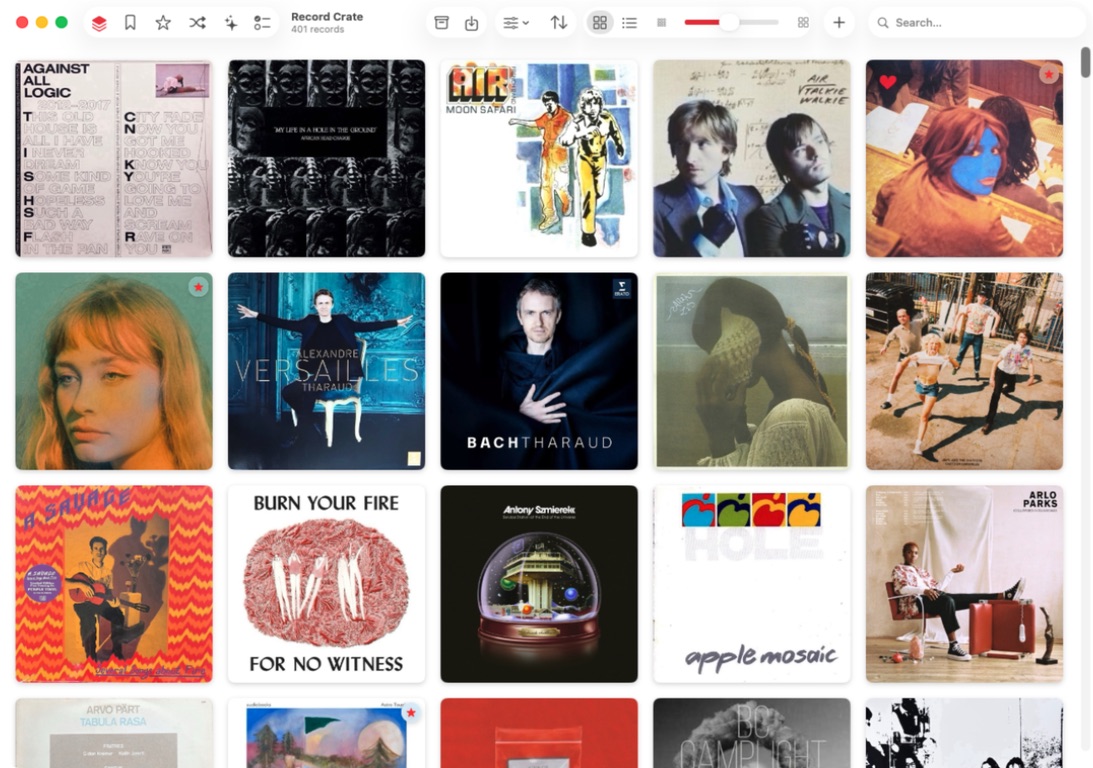
Record Picker
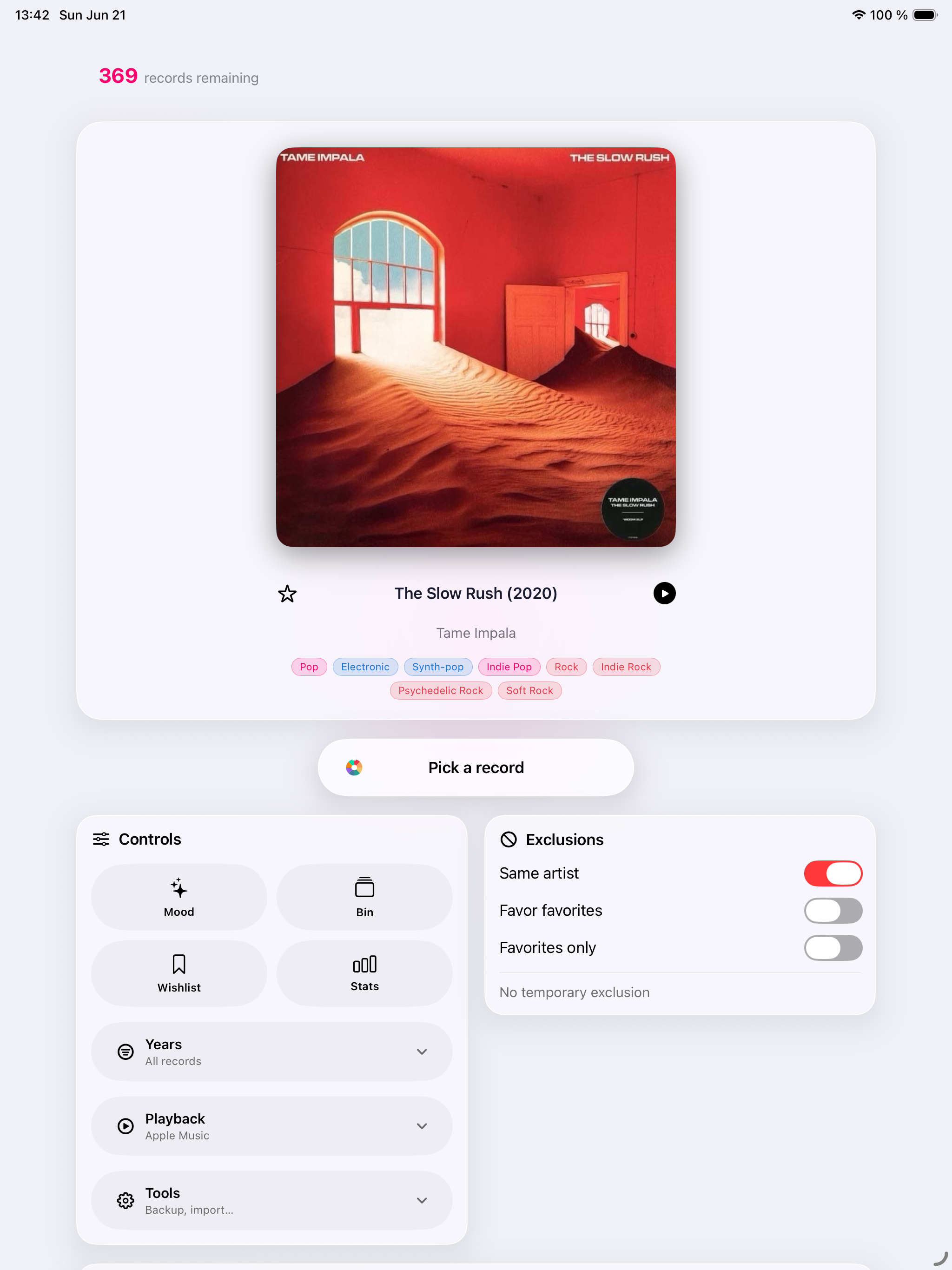
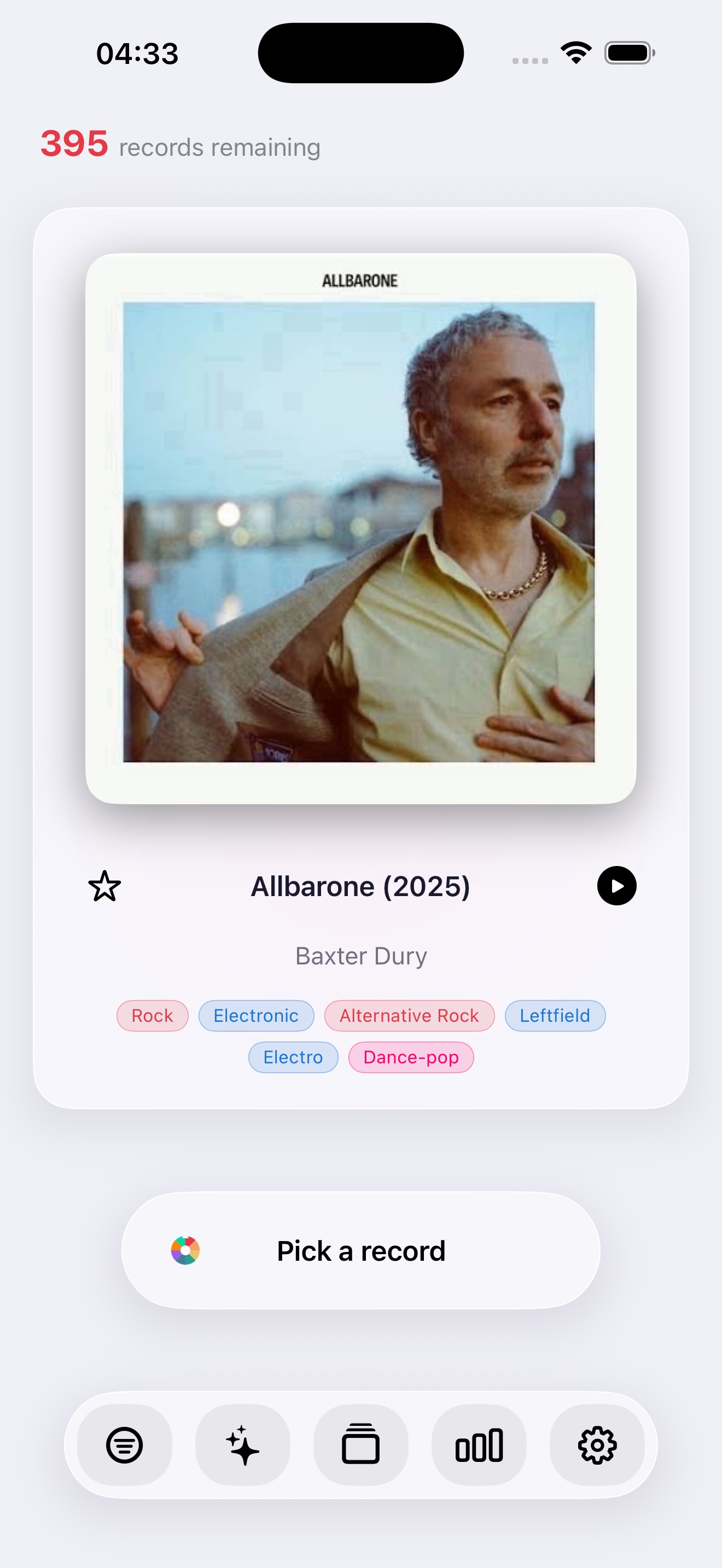
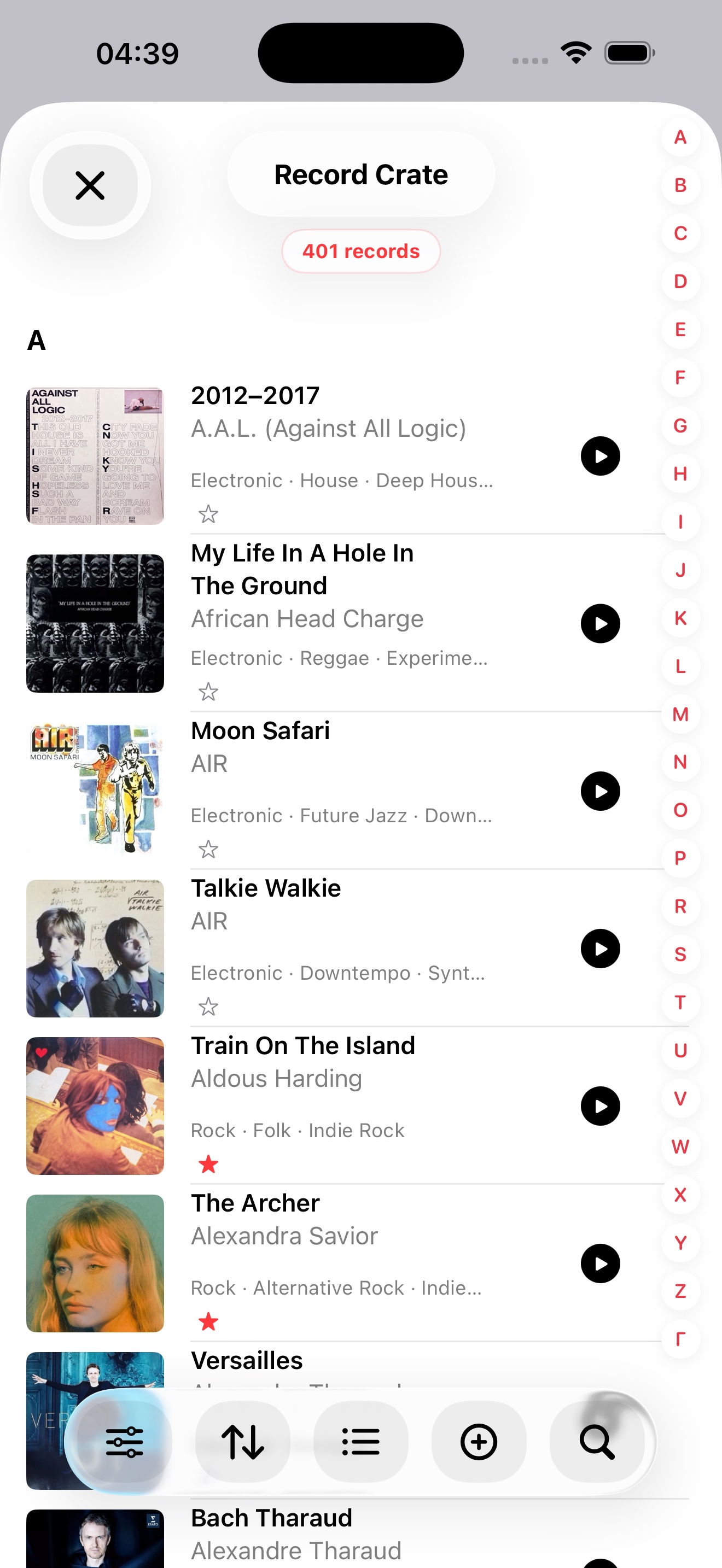
Record Picker 可编目黑胶、CD 和喜爱的专辑,并根据筛选、收藏、排除项和当下心情推荐下一张唱片。
加权抽取优先考虑较少播放的唱片
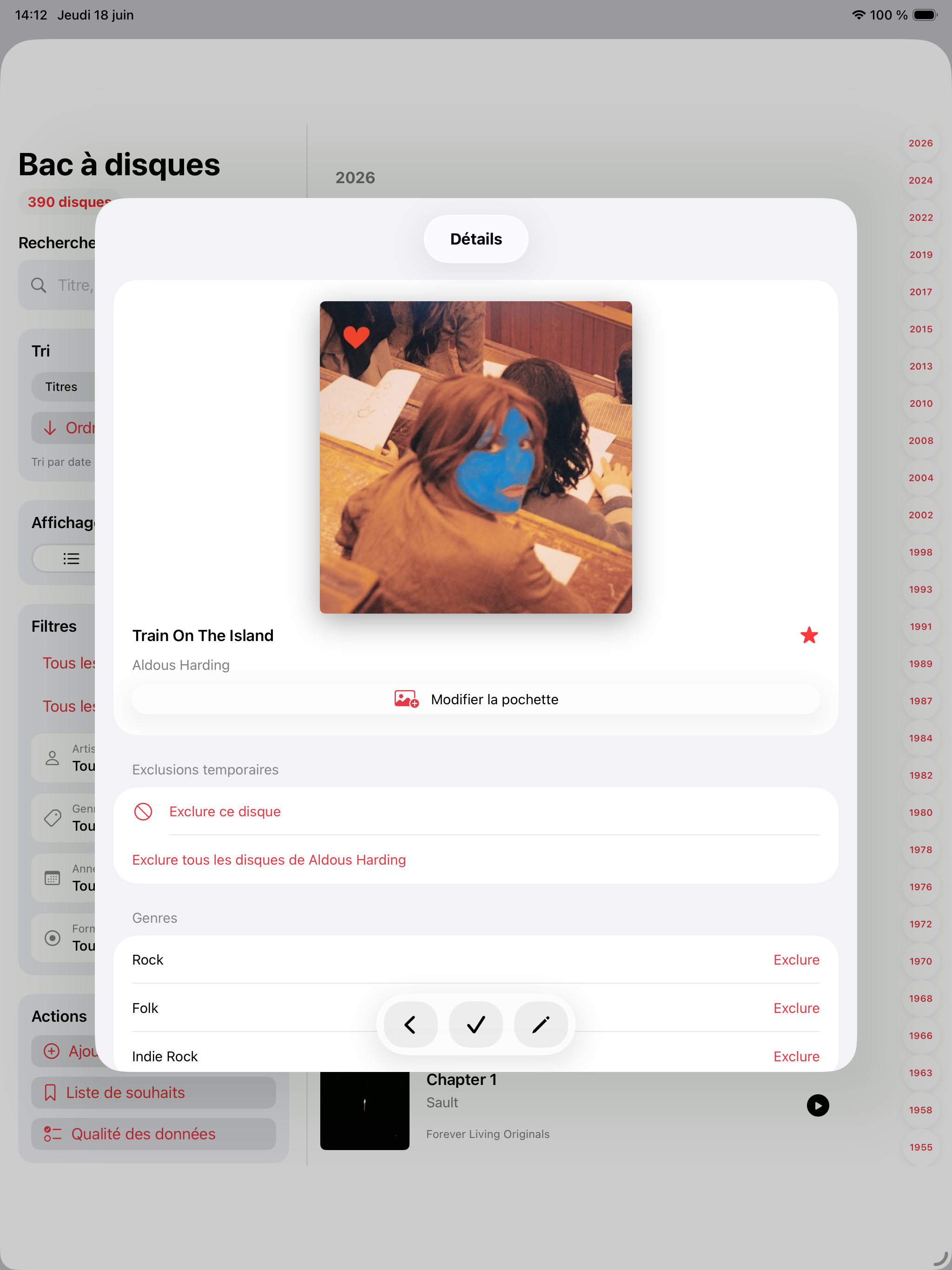
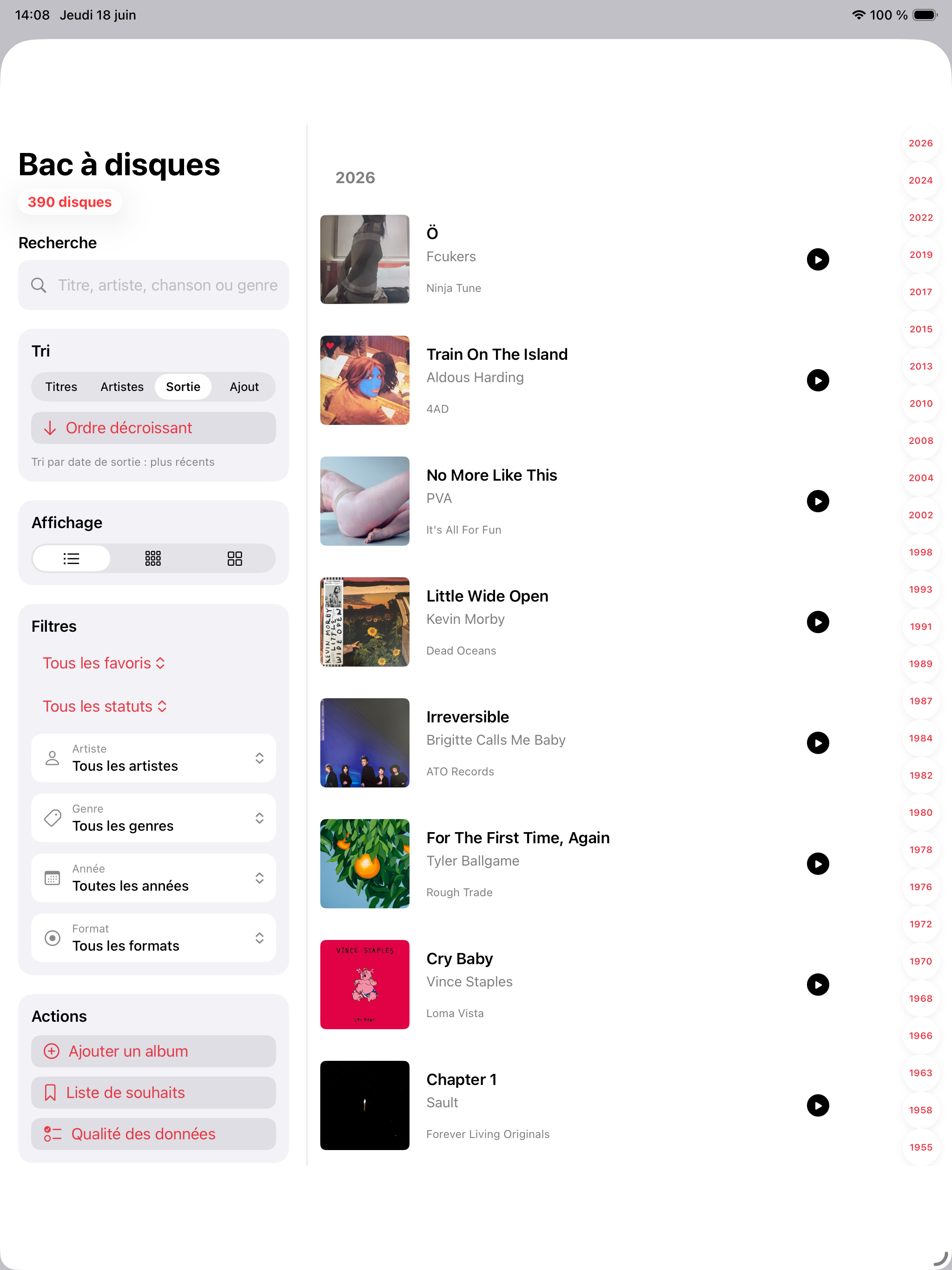
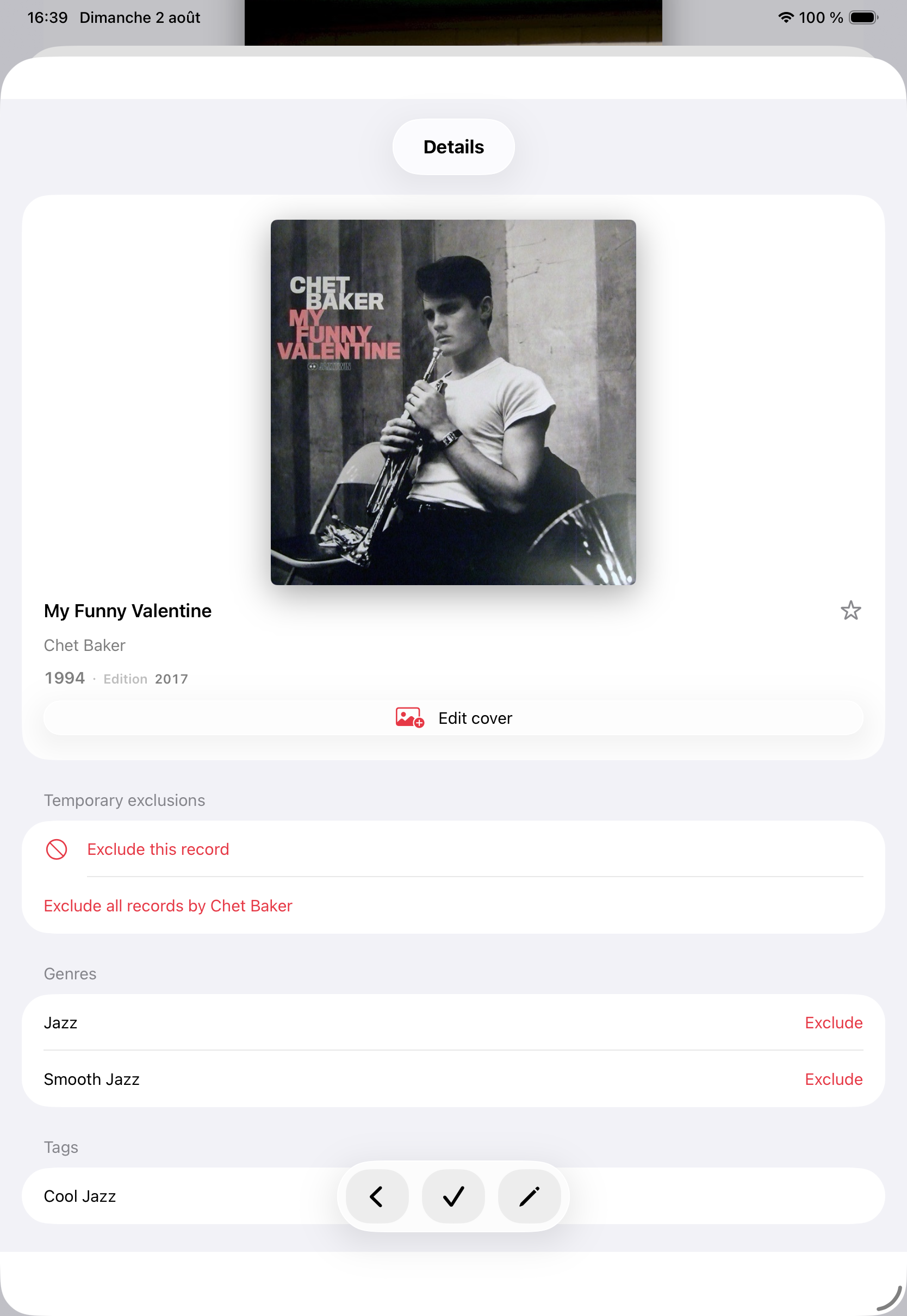
条码、MusicBrainz、Discogs、自定义封面、重复项、排除项和历史记录都易于管理。
iPhone 横向抽选
独立于唱片箱的愿望清单
App Store
Record Picker 1.8 和本机 Mac 应用程序的发行说明,现已推出。
1.9 即将推出
现已推出
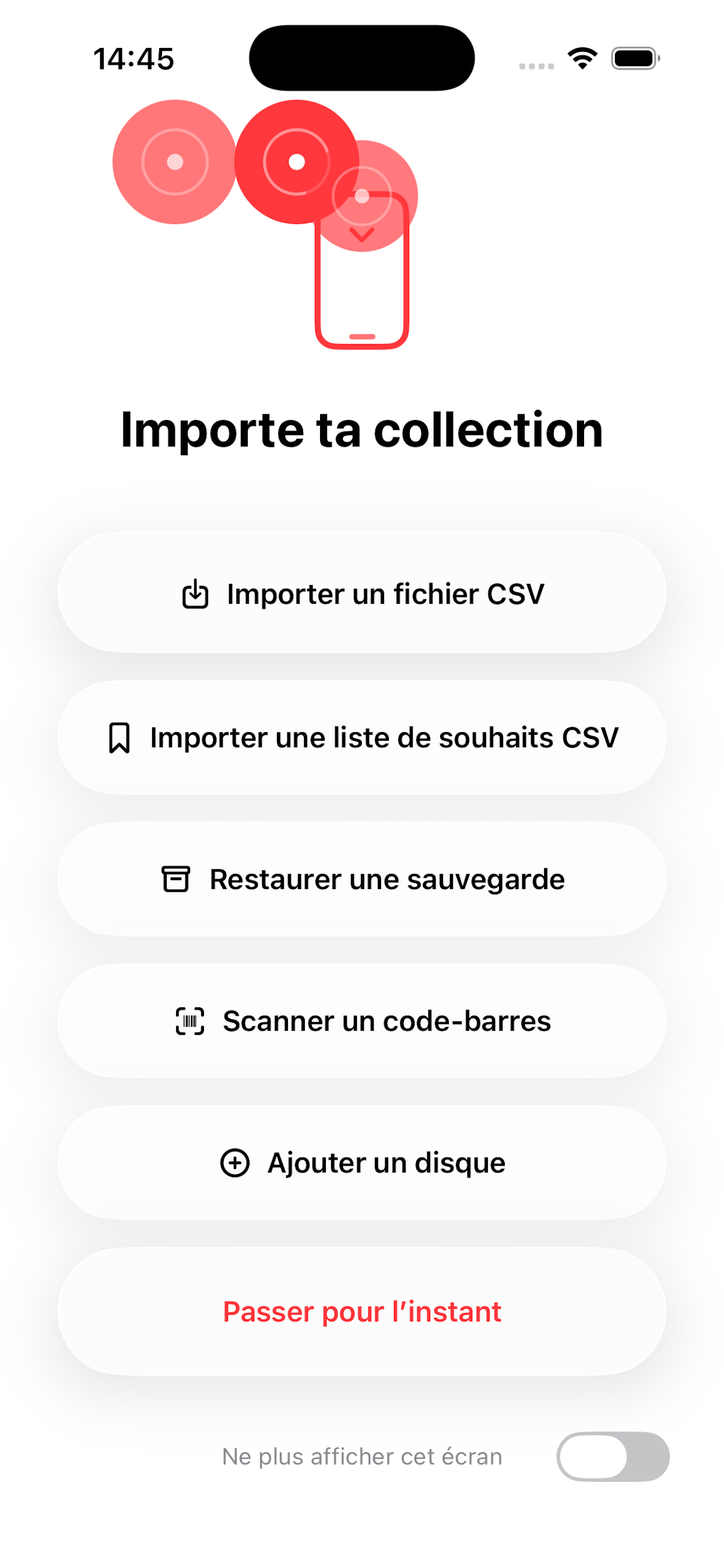
CSV 导入、备份恢复、条码扫描和手动输入可帮助用户从不完整目录开始。
备份以及可读 CSV/JSON 导出由用户主动启动,并保存到所选位置。
MusicBrainz、Discogs 和 Cover Art Archive 仅在你启动查询或补全时使用。
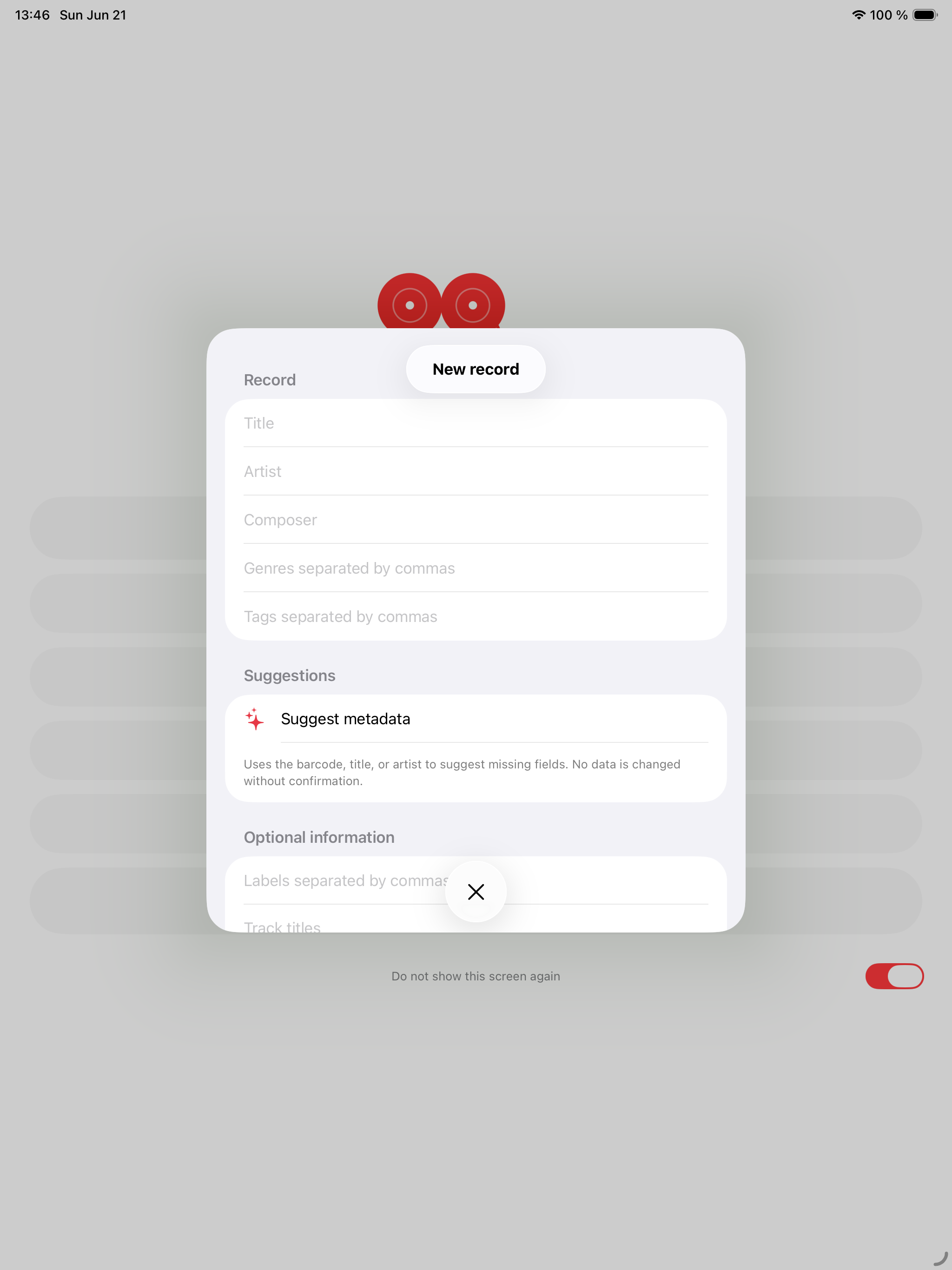
你添加、导入、编辑、收藏、排除或抽选的专辑存储在设备上,可包含标题、艺人、发行信息、流派、标签、历史、封面和元数据。
Record Picker 不运行用户账户系统,也不会把你的收藏上传到 Record Picker 服务器。
收藏、愿望清单、抽取历史、自定义封面和可恢复的删除项目会存储在设备上,并可在为本 App 启用 iCloud 时同步到你的私有 iCloud 数据库。导出仍需由你主动发起,并保存到你在“文件”中选择的位置,例如 iCloud Drive 或 OneDrive。
通过条码添加专辑时可使用相机。相机图像不会被 Record Picker 存储或共享。
条码扫描在 MusicBrainz 不认识参考时改用 Discogs,并在 Discogs 找到版本后自动预填表单。
启动元数据或封面搜索时,Record Picker 可联系 MusicBrainz、Cover Art Archive 或 Discogs 等外部服务。
这些请求可能包含你提供的搜索词或条码,仅在你明确启动查询时发送。
封面和视觉数据编辑
没有第三方 AI 提供商,没有云端 AI;Apple Intelligence 留在设备上
没有第三方 AI 提供商,没有云端 AI;Apple Intelligence 留在设备上
互联网评论绝不会被自动抓取
使用 Apple Watch 配套应用时,Record Picker 可通过 Apple 的设备通信功能同步必要的收藏和挑选信息。
封面作为模糊背景显示,收藏、撤销上一次抽取和下一次抽取按钮都配有专属触感反馈。
Record Picker 可让你导入、导出、备份或恢复收藏文件。这些文件由你创建、选择和管理。
Record Picker 不使用广告跟踪,也不包含第三方广告 SDK。
如对本隐私政策有疑问,请联系 support@recordpicker.app。
黑胶指南
三篇聚焦指南回答收藏者常见问题:现在播放什么、如何使用有用的随机选择器,以及如何让收藏保持活力。
黑胶指南
一份实用指南,帮你不用长时间盯着唱片架也能选择下一张要播放的黑胶唱片。
随机选择器
为什么随机黑胶选择器在尊重筛选器、收藏、排除项和聆听语境时效果最好。
黑胶收藏
使用 Record Picker 对黑胶收藏进行编目、丰富、备份和重新发现的实用指南。
有关应用、导入、备份或隐私的问题,请使用公开支持联系方式。