公平抽取
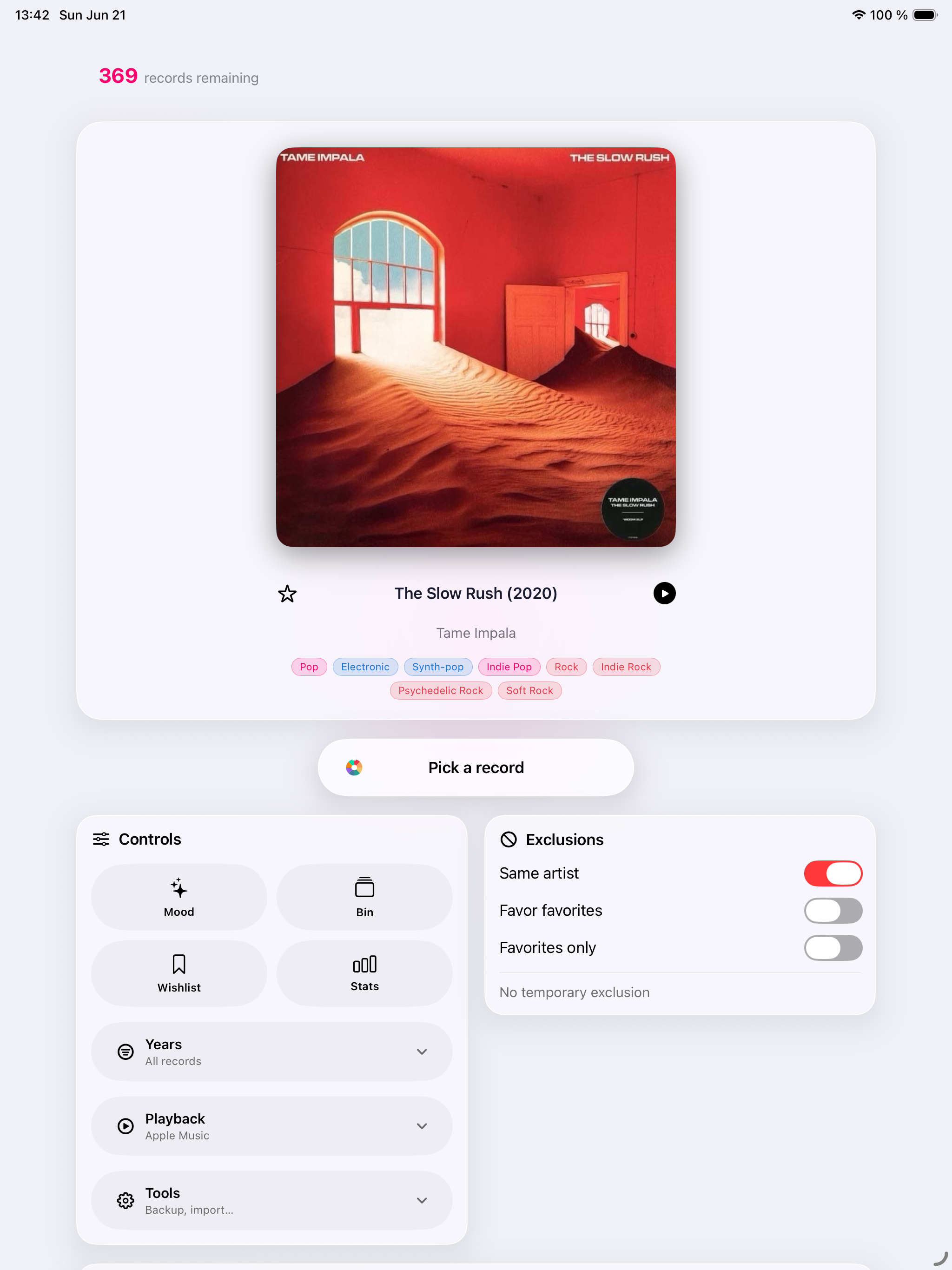
加權抽取優先考慮較少播放的唱片
 Record Picker
播放對的唱片。
播放正確的唱片。透過公平抽獎、Mood Pick、iCloud 以及專為真正收藏家打造的工具,在 iPhone、iPad、Apple Watch 和 Mac 上重新發現您的收藏。
1.9 即將推出
一個及時的理由,重新發現你已經擁有的唱片。
今日唱片
Record Picker 1.9 推出「今日精選」:以切合當下且保障私隱的理由,重新發現你已擁有的唱片。
現已推出
Record Picker 1.8 讓「收藏健康」更具預防性和可操作性。
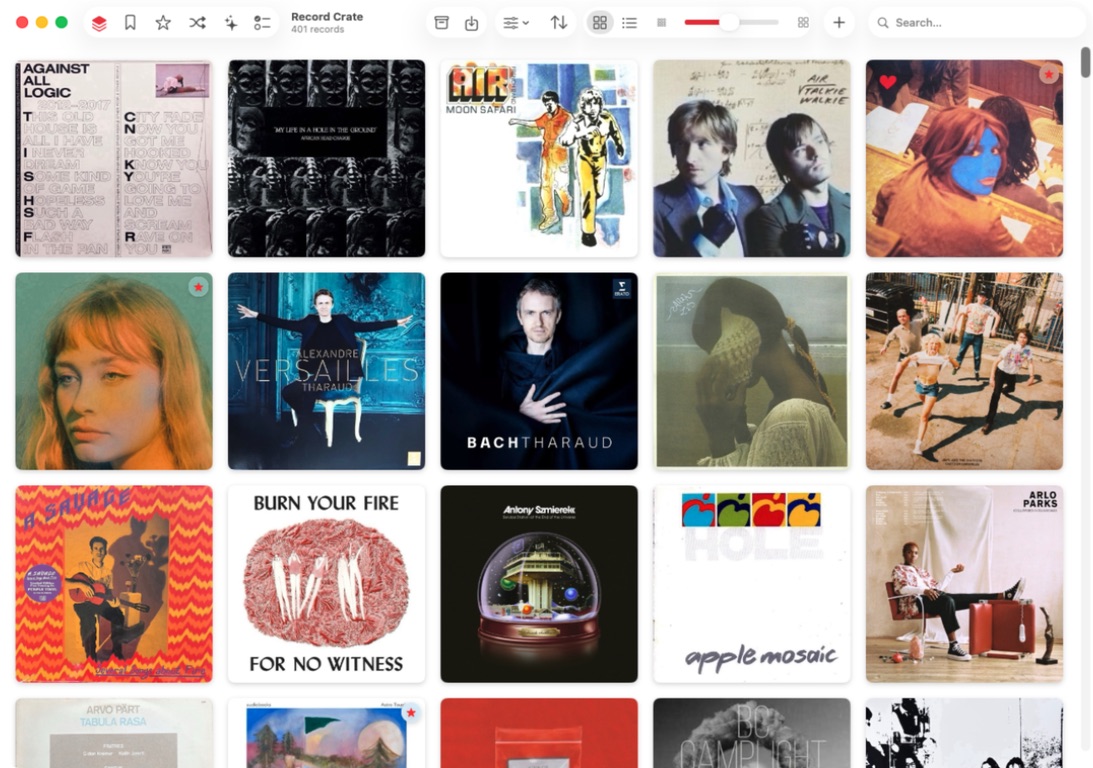
Record Picker
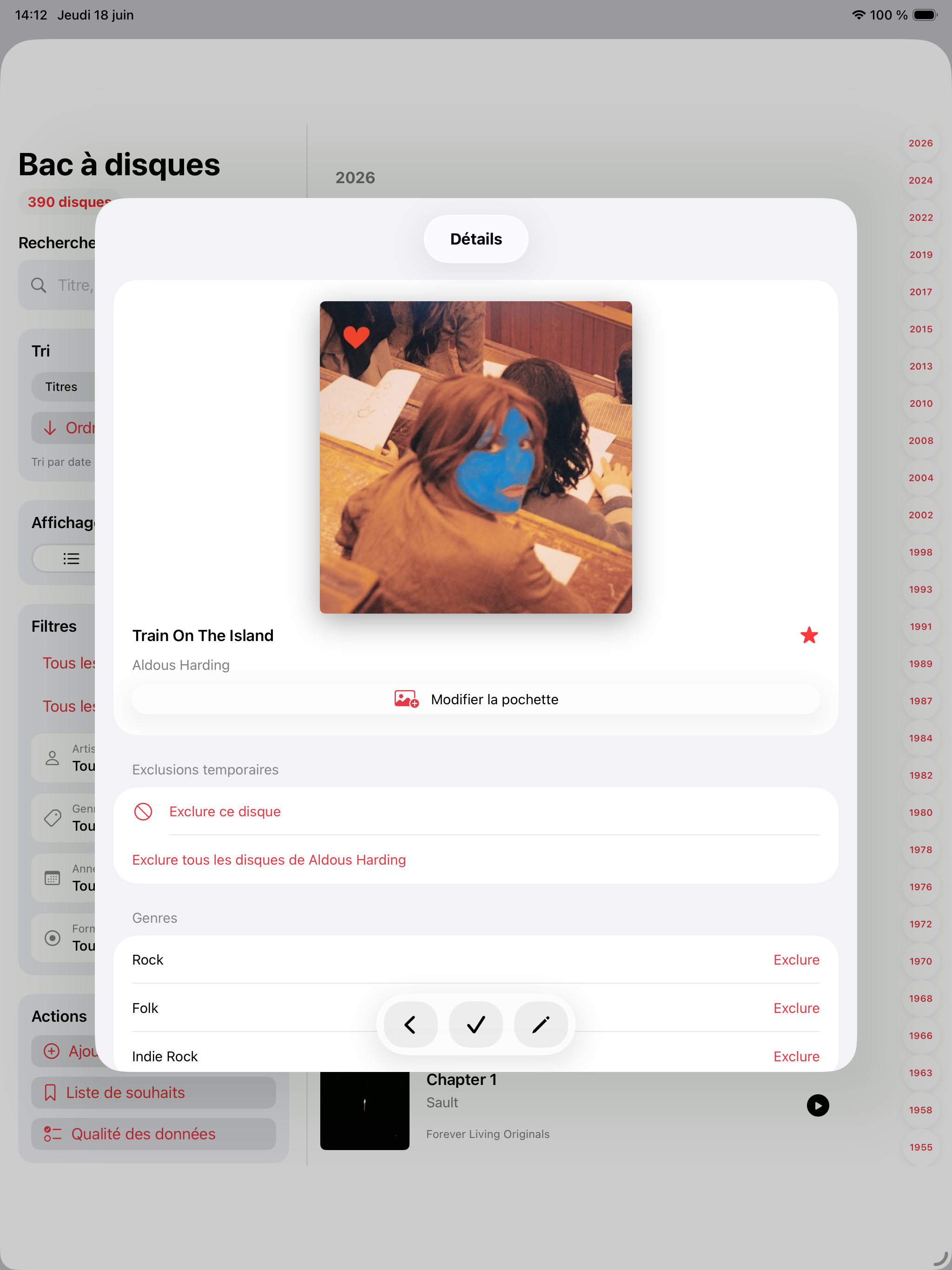
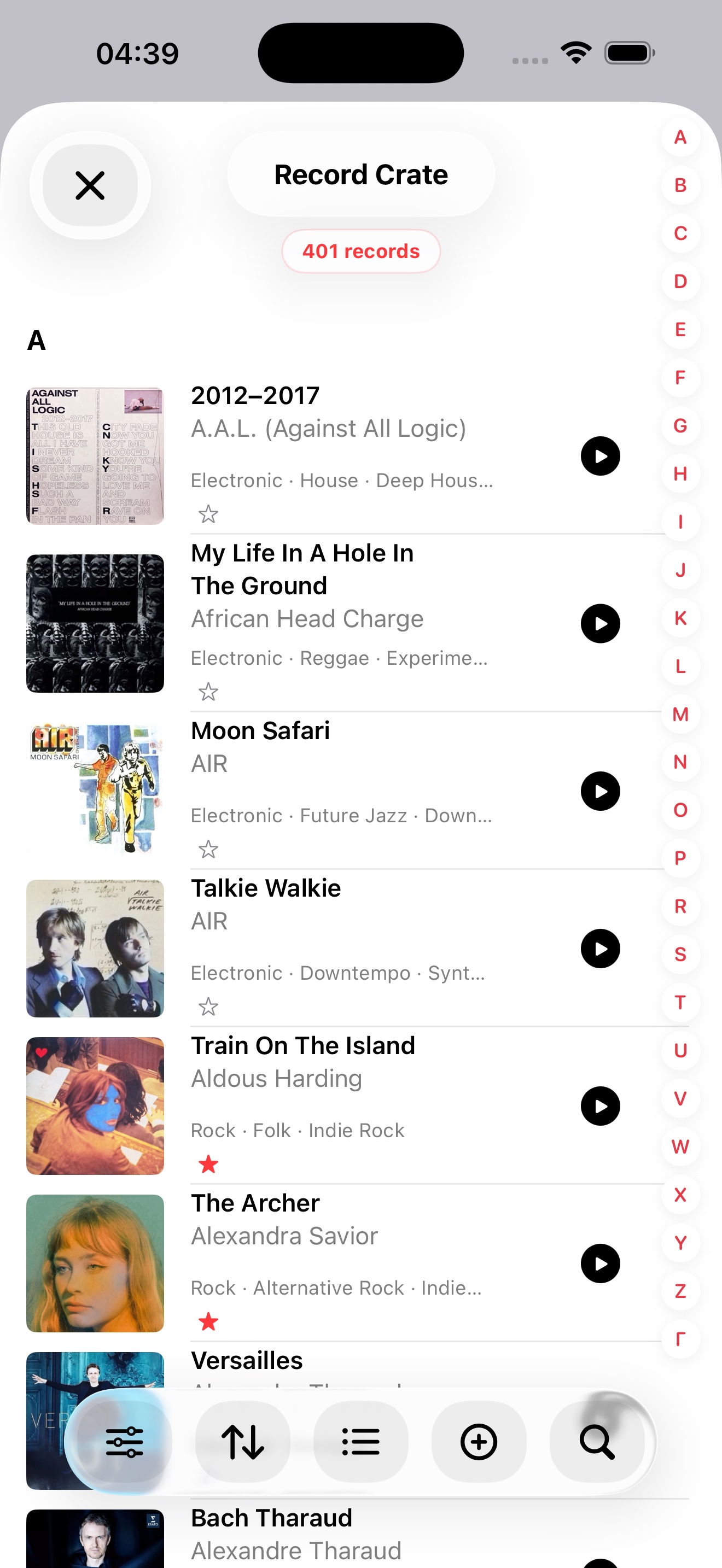
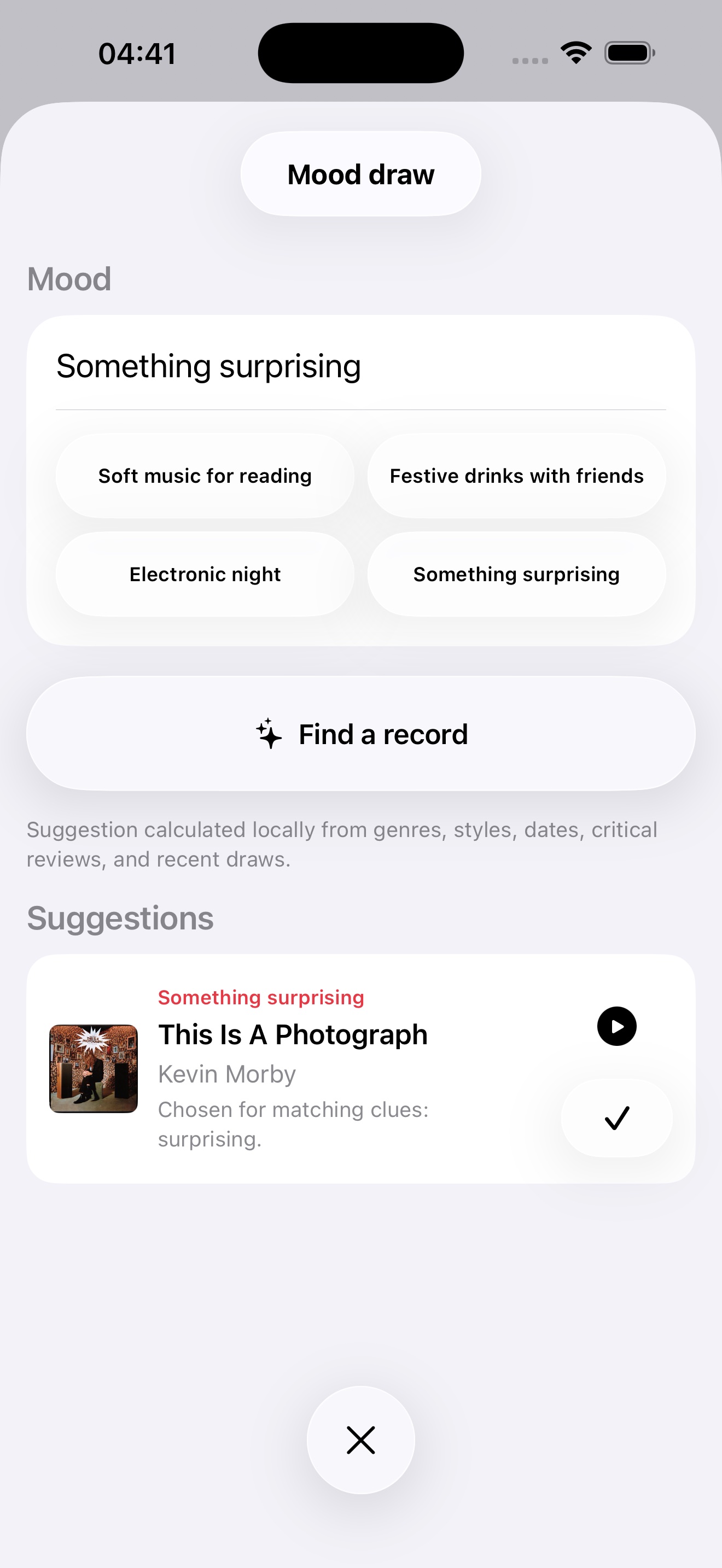
Record Picker 可編目黑膠、CD 與喜愛的專輯,並依篩選、收藏、排除項與當下心情推薦下一張唱片。
加權抽取優先考慮較少播放的唱片
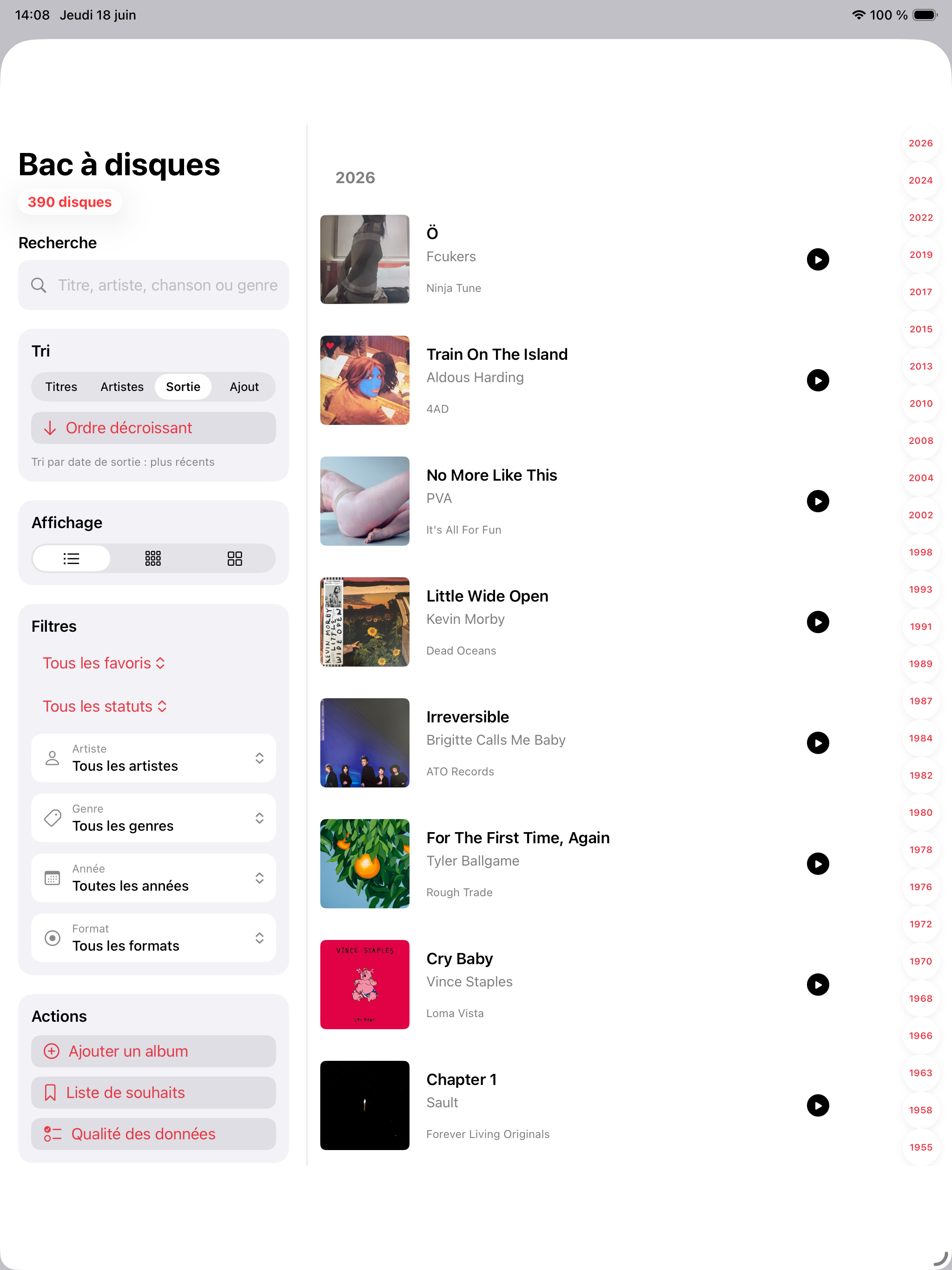
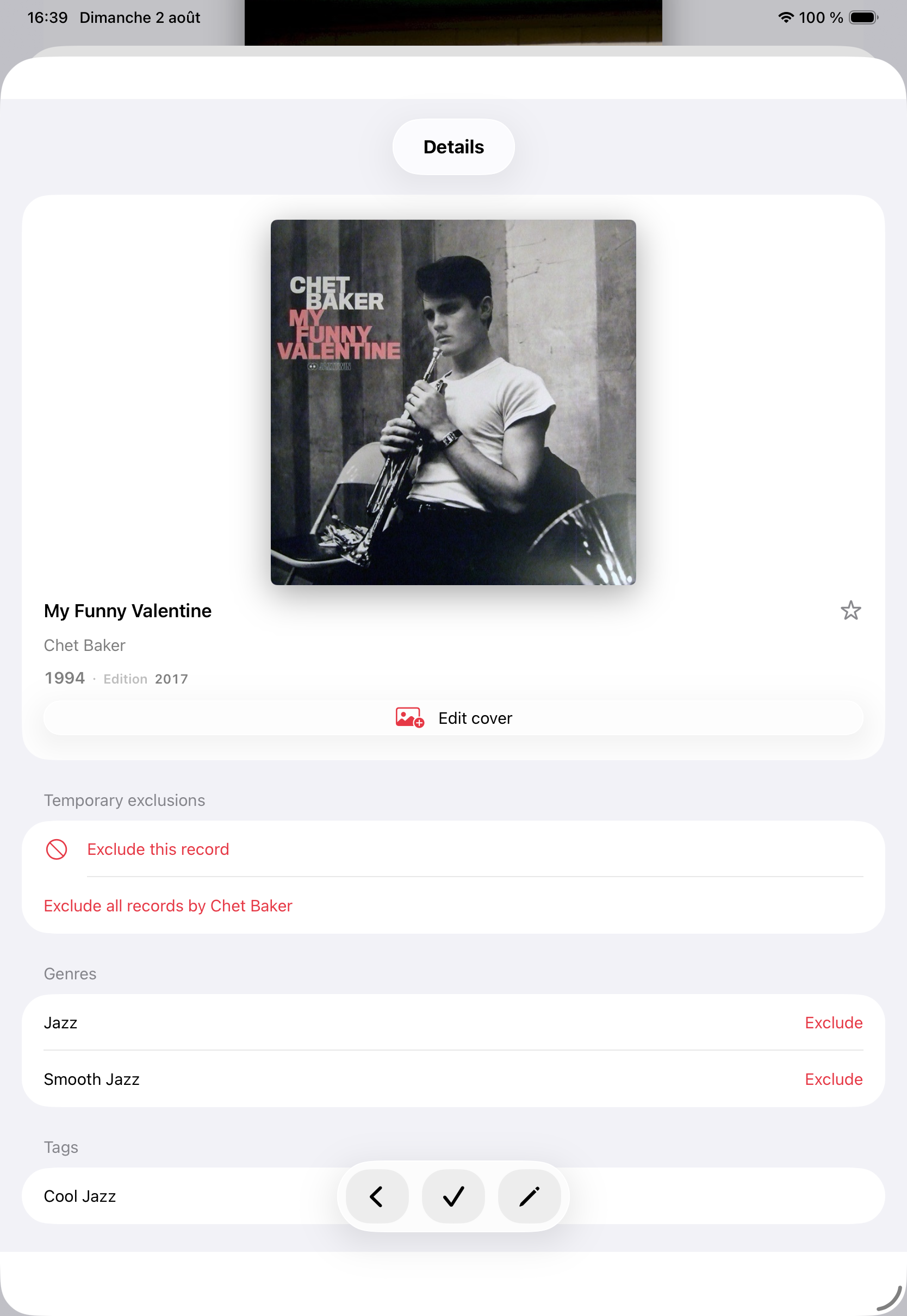
條碼、MusicBrainz、Discogs、自訂封面、重複項、排除項和歷史紀錄都易於管理。
iPhone 橫向抽選
獨立於唱片箱的願望清單
App Store
Record Picker 1.8 和本機 Mac 應用程式的發行說明,現已推出。
1.9 即將推出
現已推出
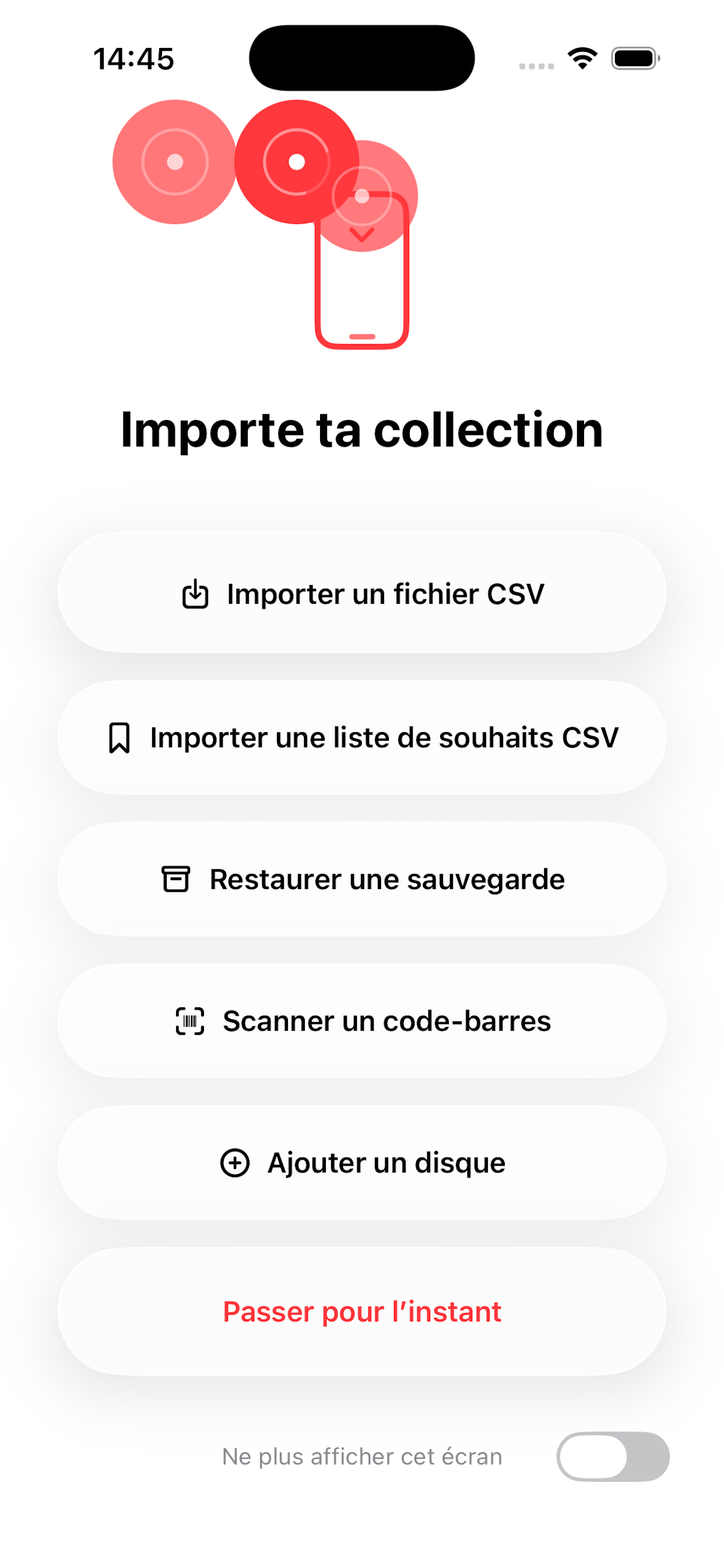
CSV 匯入、備份還原、條碼掃描與手動輸入可協助使用者從不完整目錄開始。
備份以及可讀 CSV/JSON 匯出由使用者主動啟動,並儲存到所選位置。
MusicBrainz、Discogs 與 Cover Art Archive 僅在你啟動查詢或補全時使用。
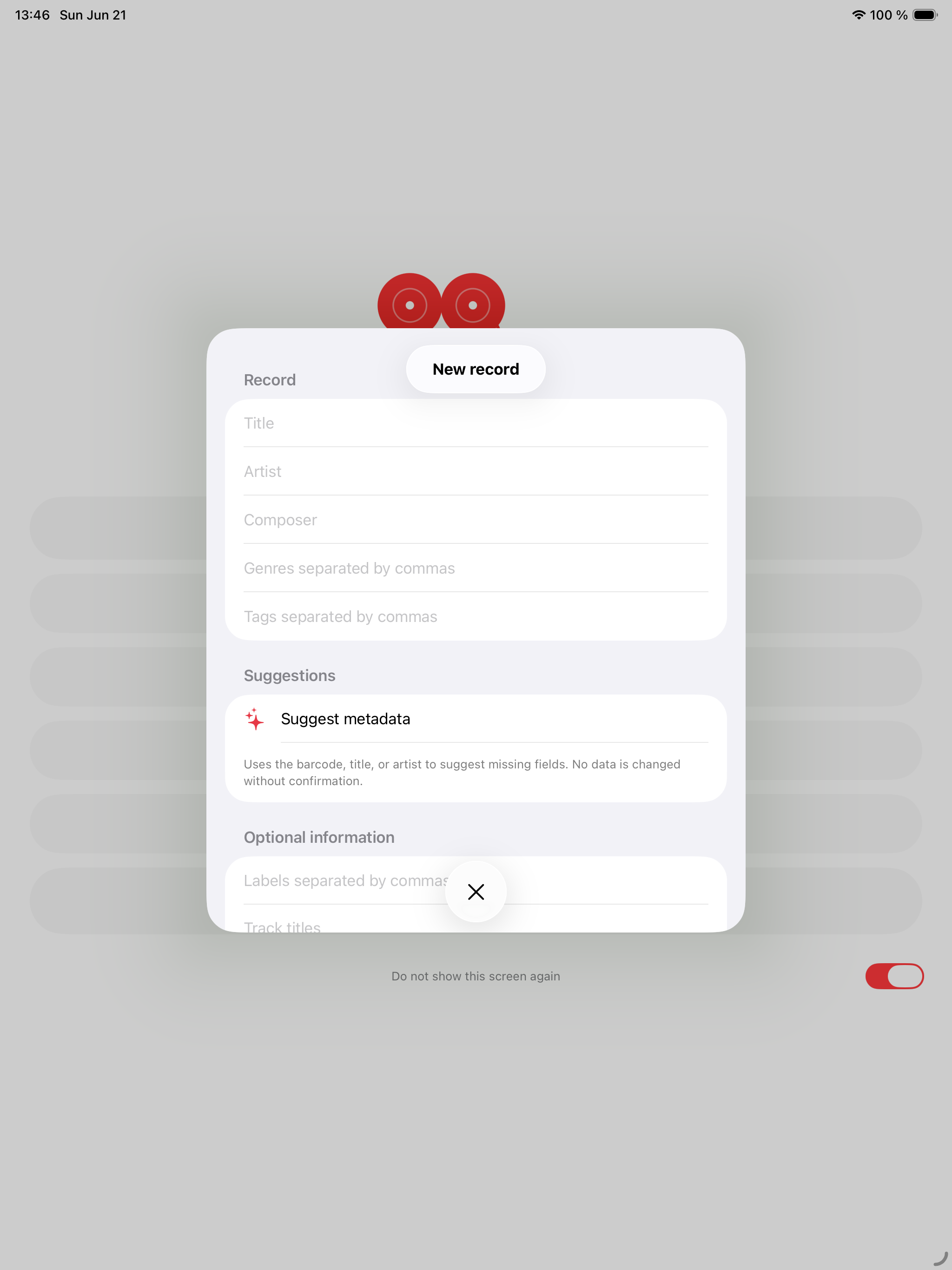
你新增、匯入、編輯、收藏、排除或抽選的專輯儲存在裝置上,可包含標題、藝人、發行資訊、類型、標籤、歷史、封面與中繼資料。
Record Picker 不運行使用者帳戶系統,也不會把你的收藏上傳到 Record Picker 伺服器。
收藏、願望清單、抽選歷史、自訂封面與可還原的刪除項目會儲存在裝置上,並可在為此 App 啟用 iCloud 時同步到你的私人 iCloud 資料庫。匯出仍需由你主動啟動,並儲存到你在「檔案」中選擇的位置,例如 iCloud Drive 或 OneDrive。
透過條碼新增專輯時可使用相機。相機影像不會被 Record Picker 儲存或分享。
條碼掃描在 MusicBrainz 不認識參考時改用 Discogs,並在 Discogs 找到版本後自動預填表單。
啟動中繼資料或封面搜尋時,Record Picker 可聯絡 MusicBrainz、Cover Art Archive 或 Discogs 等外部服務。
這些請求可能包含你提供的搜尋詞或條碼,僅在你明確啟動查詢時傳送。
封面和視覺資料編輯
沒有第三方 AI 提供商,沒有雲端 AI;Apple Intelligence 留在裝置上
沒有第三方 AI 提供商,沒有雲端 AI;Apple Intelligence 留在裝置上
網路評論絕不會被自動擷取
使用 Apple Watch 配套 App 時,Record Picker 可透過 Apple 的裝置通訊功能同步必要收藏與挑選資訊。
封面作為模糊背景顯示,收藏、撤銷上一次抽取和下一次抽取按鈕都配有專屬觸覺回饋。
Record Picker 可讓你匯入、匯出、備份或還原收藏檔案。這些檔案由你建立、選擇與管理。
Record Picker 不使用廣告追蹤,也不包含第三方廣告 SDK。
如對本私隱政策有疑問,請聯絡 support@recordpicker.app。
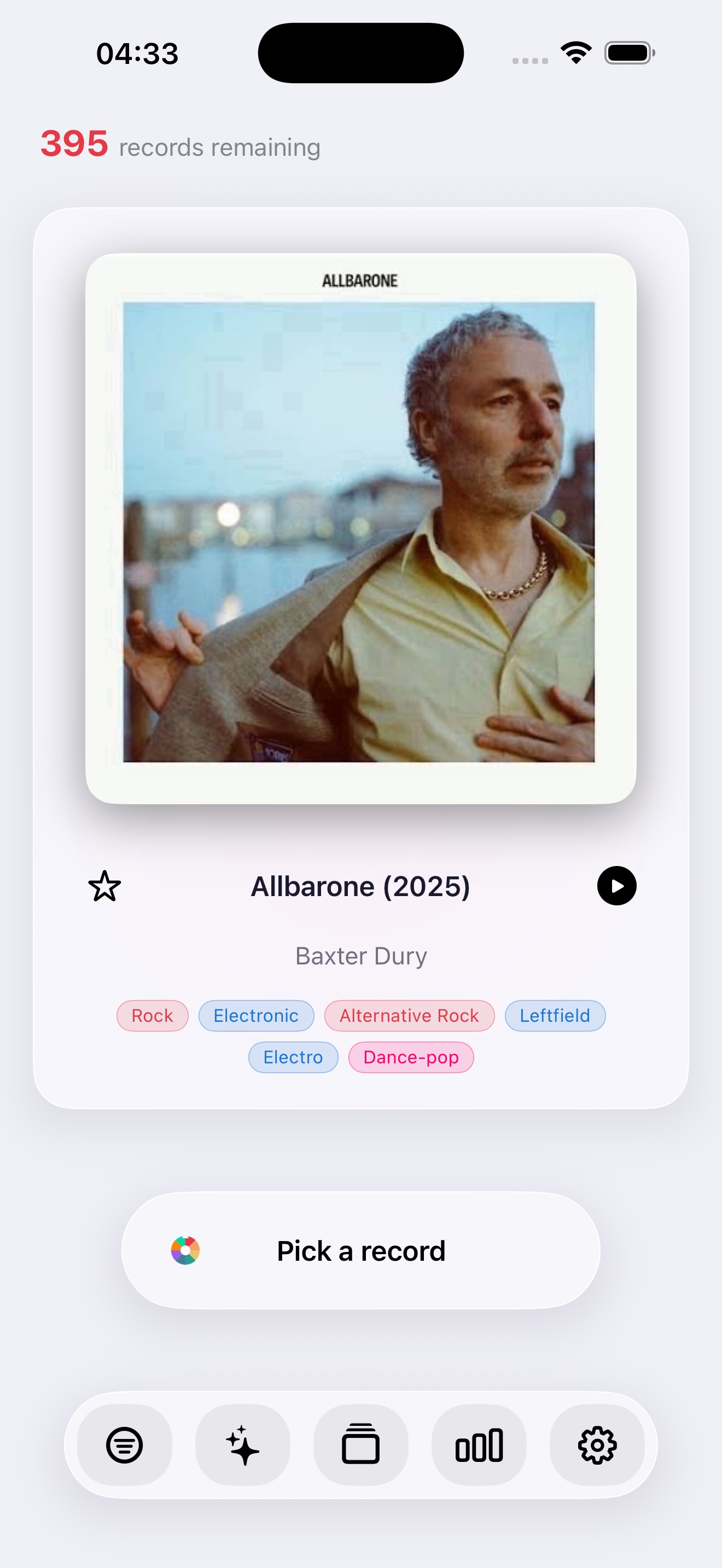
黑膠指南
三篇聚焦指南回答收藏者常見問題:現在播放什麼、如何使用有用的隨機選擇器,以及如何讓收藏保持活力。
黑膠指南
一份實用指南,幫你不用長時間盯著唱片架,也能選出下一張要播放的黑膠唱片。
隨機選擇器
為什麼隨機黑膠選擇器在尊重篩選器、喜好、排除項與聆聽語境時效果最好。
黑膠收藏
使用 Record Picker 對黑膠收藏進行編目、豐富、備份與重新發現的實用指南。
有關 App、匯入、備份或私隱的問題,請使用公開支援聯絡方式。