 My Spotify profile ↗
 My Deezer profile ↗
 My Apple Music profile ↗
 @my_musical_update ↗
01
Record Picker
Rediscover the joy of choosing a record.
Catalogue your vinyl records and CDs and rediscover your collection.
Explore Record Picker →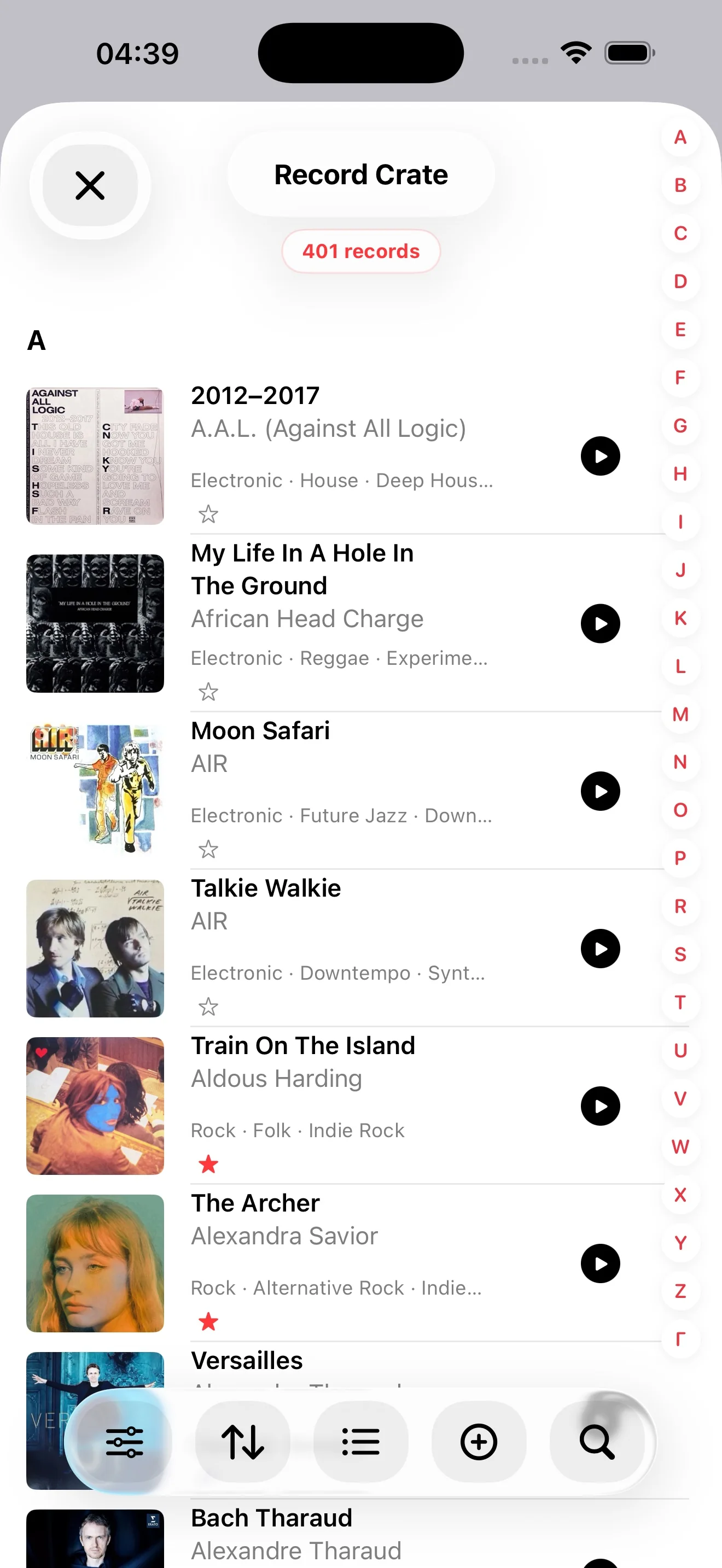
Independent apps and music discoveries. Explore my projects and my monthly My Musical Update playlists.
MY MUSICAL UPDATE
I share my music discoveries through monthly playlists: tracks to discover, revisit and enjoy at your own pace.
01
Rediscover the joy of choosing a record.
Catalogue your vinyl records and CDs and rediscover your collection.
Explore Record Picker →02

Move at your own pace.
Build a home strength-training routine with guided sessions.
Explore Physical Routine →03

Understand the sounds of your night.
Observe estimated snoring and try Apple Watch alerts. Availability after Apple approval.
Explore Snory Teller →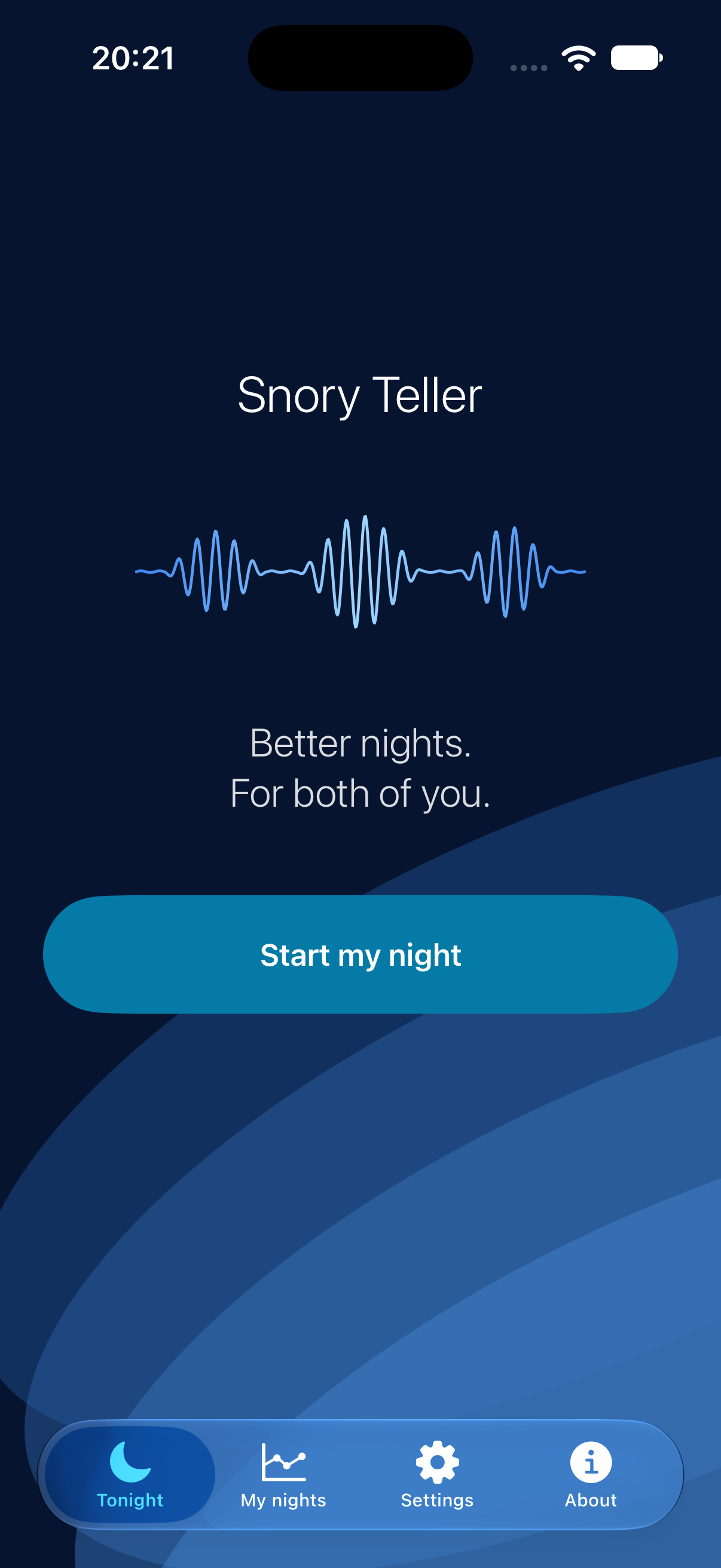
04 · EDUCATION
Support coordinated student follow-up.
A workspace for reviewing students’ needs, educational accommodations and supporting documents.
Restricted to authorised staff, according to their access rights within the school.
Discover the Dulpi project →Illustrative simulation · entirely fictional data. This walkthrough explains the workflow; it does not connect to Dulpi.
Example Student · Demo class
Plan: temporary accommodations
Example: rephrased instructions and clearer page layouts.
In Dulpi, available information depends on each staff member’s access rights.
GUIDE · SNORY TELLER
Analysed time: first check listening duration and interruptions. Almost complete coverage means analysis was running, not that every snore was recognised.
Estimated snoring: this totals sounds classified as snoring. Brief or scattered detections may never form a confirmed episode.
Alerts: distinguish submitted requests, available confirmations and what you actually felt. Zero requests means detection did not trigger an alert.
Note placement, gain, awakenings and, when sharing a bed, your partner’s experience. Compare several nights under similar conditions. The app cannot identify who is snoring; a pause after an alert does not prove the alert caused it.
GUIDE · PHYSICAL ROUTINE
Start with the app’s questionnaire. Enter your actual availability and equipment, then review the proposed priorities and sessions. The programme is calculated from your answers, so their accuracy matters.
Choose a realistic time and read the instructions before starting. Keep the screen accessible to follow the guided session. This guide explains app setup; it does not prescribe exercises, loads or training frequency.
Identify the time slots you actually used and any scheduling difficulties. Use the adaptable planner to fit the routine into daily life. Trophies are milestones within the app, not a measure of your health.
GUIDES · RECORD PICKER
For your music listening time, start with the dedicated guides: organise your vinyl collection and choose the next record to play. Explore playlists from My Musical Update too.
These projects share a creator but remain separate apps: their reports and features are not combined.
Discover music through playlists, revisit your records with Record Picker, and join conversations about music and the apps.
App news and conversations.
Explore the app in pictures.
Follow playlists and music discoveries.
Watch Record Picker videos.
Find my posts and join conversations about Record Picker.
Explore Record Picker · Listen to the playlists · Share an idea or feedback